

Aqara Home Assistant Integration Methods: Which Stays Local
Five ways to connect Aqara to Home Assistant, ranked by how much of the Aqara app, account and cloud each still needs. Control is local on all five.
Five ways to connect Aqara to Home Assistant, ranked by how much of the Aqara app, account and cloud each still needs. Control is local on all five.
Which Aqara lights do real color, which need the Aqara app once before Zigbee2MQTT sees them, and what stays local after? Four models compared.
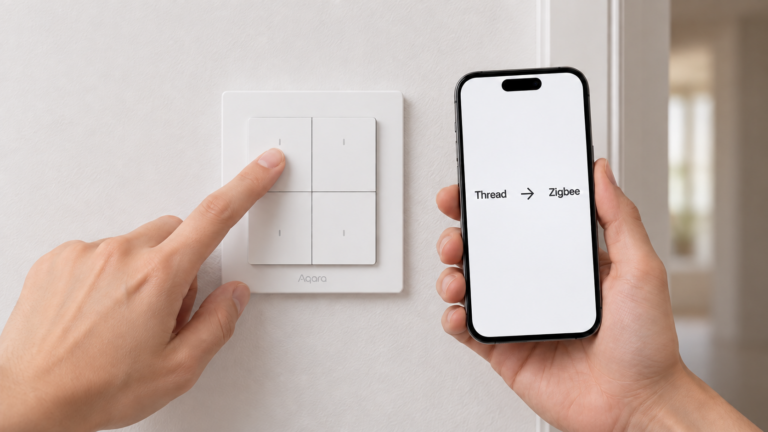
Six Aqara devices ship in Thread mode and stay invisible to Zigbee2MQTT until you run them through the Aqara Home app once. Here's the list, and the exceptions.
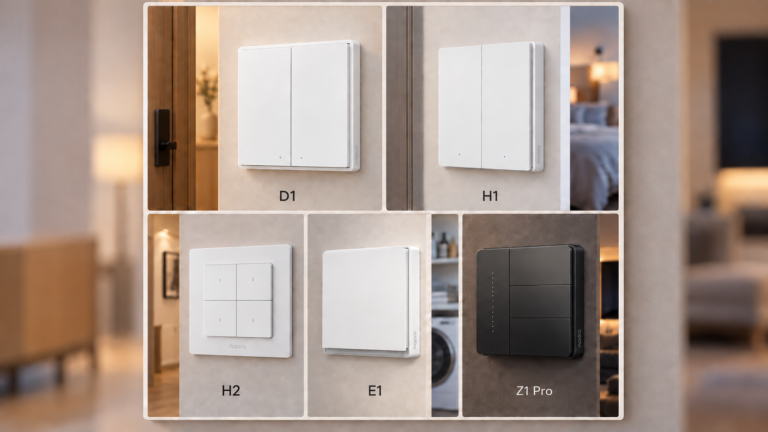
Aqara sells five wall-switch families: D1, H1, H2, E1 and Z1 Pro. Here's what really differs between them, and which one fits your wiring.

Aqara pairing mode isn't one procedure. Sensor, switch, and H2 Thread-mode gestures for Zigbee2MQTT and ZHA, plus why a device never appears.

SkyConnect/ZBT-1 multiprotocol firmware remains experimental; its Home Assistant app is unsupported. Compare dedicated Zigbee and Thread paths and migration.

Compare Aqara door and window sensors by Zigbee or Matter support, exposed features, battery type and installation needs before choosing a local setup.

Aqara and Xiaomi sell Zigbee, Bluetooth, Thread, and Wi-Fi devices under one brand. Here's which ones actually need a hub, and what the rest need instead.
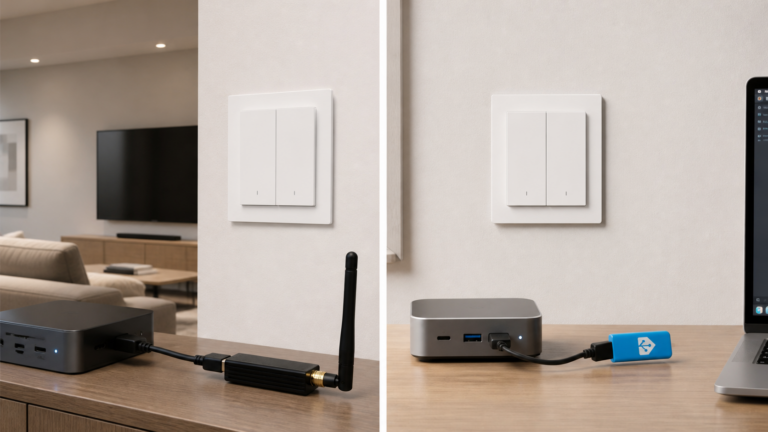
The Aqara H2 EU switch (WS-K07E) ships in Thread mode by default, but Zigbee2MQTT exposes more config. Here's how to pick a protocol and pair it locally.
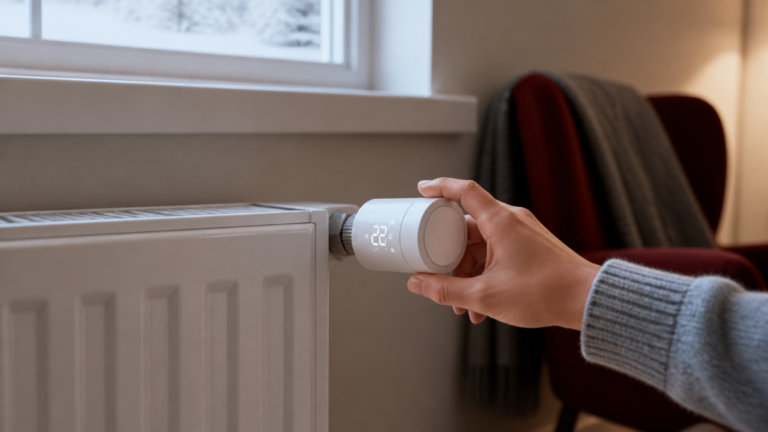
Set up the Aqara W600 (WT-A03E) with Zigbee2MQTT and Home Assistant: the Thread-to-Zigbee firmware switch, pairing, all entities, and the external temp sensor workaround.