

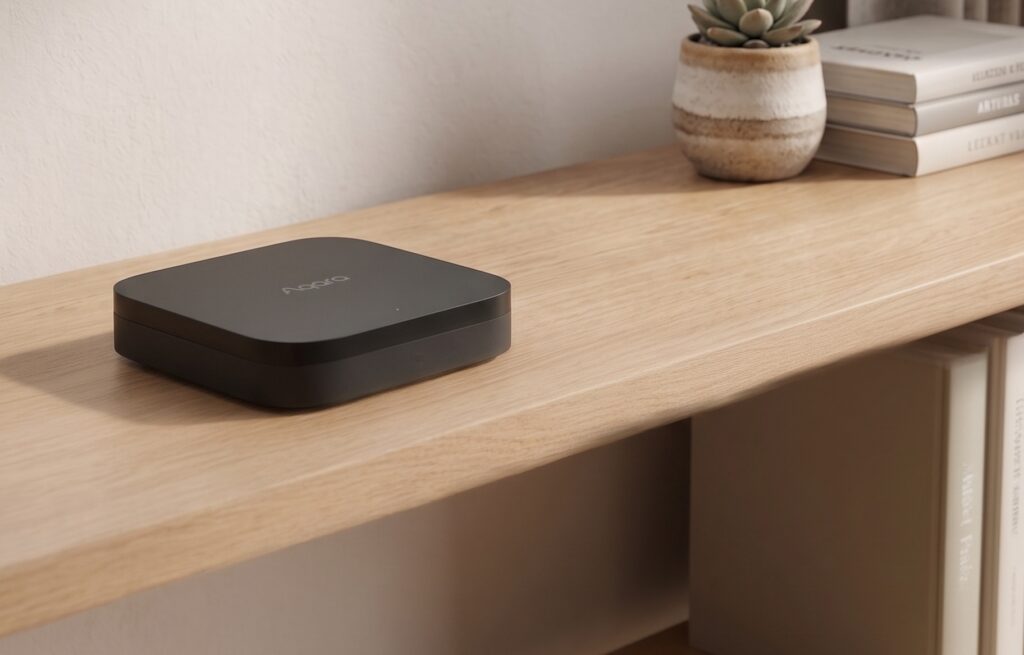
Both the Aqara M2 and M3 support local automation. The M3 adds a Thread border router, Matter controller features, and PoE. For Home Assistant, the useful comparison is which devices and controls each hub exposes, and which parts of your setup still need internet access.
Below are the protocol differences, HA integration choices, and checks to make before blocking the hubs’ cloud connections.
Disclosure: Some links in this article may be affiliate links. We may earn a small commission at no extra cost to you.
Start with the devices you want to connect
If you already own an M2, list the features your current setup lacks before replacing it. A new hub is useful when it solves a specific connection or installation problem.
Check whether you need a Zigbee bridge, a Matter controller, or a Thread border router. Those are different jobs, even when one hub performs several of them.
Compare current regional prices only after checking those requirements. Discounts do not change the protocols a hub supports.
Protocol stack side-by-side
Both hubs support Aqara Zigbee devices, Ethernet, HomeKit bridging, and IR control. Their Matter and Thread roles differ:
| Feature | Hub M2 | Hub M3 |
|---|---|---|
| Zigbee | 3.0 | 3.0 |
| Thread border router | No | Yes |
| Matter | Bridge with compatible firmware | Controller and bridge |
| IR blaster | Yes | Yes |
| PoE | No | Yes; check the rated PoE supply |
| Local automation | Supported; check the routine | Supported; check the routine |
| Ethernet | Yes | Yes |
A Matter bridge exposes supported Zigbee children to another controller; a Matter controller manages Matter accessories. The M2 received bridge support in a firmware update, as Aqara’s announcement explains. The M3 adds controller and Thread border-router roles.
PoE can make the M3 easier to place where radio coverage is useful. Use a compatible supply and follow the hub’s rating rather than treating an input rating as measured power consumption.
Local control: what the M2 actually does
The M2 already supports local routines. Aqara’s M2 product description explicitly says local automations continue during an internet outage.
Local operation depends on the routine and integration. Supported Aqara local automations run on the hub; HA can control exposed devices over HomeKit or Matter on the LAN. Apple Home automations run on the Apple home hub.
Remote Aqara app access, firmware downloads, and cloud-backed voice or automation services need internet access. Check those dependencies separately from the local hub routines.
An outage does not stop every Aqara automation on an M2. Test the routines you use with WAN access denied and compare any failures with their execution settings.
With a dedicated Zigbee coordinator, ZHA or Z2M communicates with the sensors directly. The Aqara hub no longer carries those devices’ commands.
Local control: M3’s Edge Hub architecture
The M3 extends Aqara’s local hub capabilities and supports a wider mix of protocols. Its “Edge Hub” label is not a guarantee that every automation or app feature works without the cloud.
Check the execution setting of each Aqara routine and test it offline. Weather, remote notifications, and other external inputs can still introduce a cloud dependency.
Aqara describes the M3’s encrypted local storage as holding device lists, configuration, and automation data. It is not described as a general camera-footage recorder. See the M3 specifications.
What Edge Hub mode doesn’t solve:
- Aqara app remote access still requires cloud relay — if you’re away from home, you need Aqara’s servers
- Firmware OTA updates require cloud connectivity (see “Blocking cloud access” section below)
- Third-party voice assistants (Alexa, Google) still route through cloud
If Aqara Home runs your main routines, compare the supported execution and recovery features on your firmware. If HA runs them, compare the entities exposed to HA.
Home Assistant integration paths
Both hubs can expose supported children over HomeKit. In HA, this integration is now called HomeKit Device; it communicates locally with the hub.
HomeKit Controller method:
- In Aqara app, expose the hub as a HomeKit accessory
- In Home Assistant → Settings → Devices & Services → Add Integration → HomeKit Controller
- Enter the pairing code from the Aqara app or hub label
- Devices appear in HA as HomeKit entities
Before pairing a hub with HA, remove any existing Apple Home binding without factory-resetting it. A HomeKit accessory can belong to one controller at a time. If discovery fails, check mDNS, VLAN rules, and the pairing code; see HA’s HomeKit Device guidance.
The HomeKit Controller path exposes your Aqara-paired Zigbee devices to Home Assistant as HomeKit entities. The underlying control is local: HA sends HAP commands to the hub, hub talks Zigbee to the device. No cloud.
A hub bridge exposes only the accessories and attributes its firmware supports. The FP2 is a separate Wi-Fi sensor, not a Zigbee child to move onto a USB coordinator.
Zigbee coordinator method (bypassing the hub):
For users who want maximum control and don’t care about using the Aqara app at all:
- Set up a supported Zigbee coordinator and check whether its installed firmware needs updating
- Use ZHA or Zigbee2MQTT in Home Assistant
- Re-pair your Aqara devices directly to the coordinator, bypassing the hub
Direct Zigbee pairing avoids the Aqara hub but still depends on model-specific support. Check the ZHA or Z2M device entry before moving a sensor, switch, or cube. The Wi-Fi FP2 uses its own HomeKit integration.
If your goal is a Home Assistant-centric setup with no Aqara app involvement, the Zigbee coordinator path makes the M2 vs M3 comparison mostly moot. You’re not using the hub’s intelligence at all.
The M3 becomes interesting in a HA context when you want to use the hub’s local automation engine alongside HA, or when you’re adding Thread/Matter devices that benefit from the M3 as a Thread Border Router.
The FP2 local setup guide covers that separate connection.
Blocking cloud access: M2 vs M3 behavior
To check offline operation, reserve the hub’s IP and deny its WAN access while preserving local HA traffic. A wildcard domain block alone is not a complete network isolation test.
On the M2: test supported local routines and HA control separately from app remote access, downloads, and cloud-based integrations. Local automation is not automatically disabled by blocking the cloud.
On the M3: make the same checks, including any Matter devices, scenes, and IR controls you use. Test after a restart as well as immediately after applying the rule.
The choice is not “cloud automation on M2 versus local automation on M3.” Both need routine-specific checks; the M3’s extra protocols and installation options are more useful distinctions.
Firmware updates: temporarily allow the required internet connection when you choose to update. Read the release notes and recheck the local routines afterwards.
One nuance: some users report that prolonged cloud disconnection on certain hub firmware versions triggers a health check loop that causes the Aqara app to show the hub as “offline” even when it’s reachable locally. If you’re running a hard block, test this before committing to it in production.
Migration: moving devices from M2 to M3
Aqara has a migration tool in the app. The flow:
- Open Aqara app → Hub M2 → More → Migrate Hub
- Select the M3 as the target
- The tool migrates paired devices, automations, and scenes
Check that the migration feature supports the source hub and current firmware. Keep a list of device names, scenes, and HA entities, then verify them after migration. External ecosystem pairings and entity names may need attention.
Follow the supported migration flow before resetting child devices. Check devices and routines one by one rather than assuming every setting transferred.
When the M3 adds something useful
Keep or consider an M2 if its supported Zigbee children and bridge features already cover your needs. Confirm the firmware and exposed entities before buying.
Consider an M3 if you need its Matter controller, Thread border router, PoE, or supported Aqara migration and recovery features. Check the exact requirement rather than upgrading just for the word “local.”
If all your Zigbee devices already pair directly with ZHA or Z2M, neither hub is necessary for that radio network. Buy one only for a separate feature you intend to use.
Conclusion
The M2 can already run supported local automations and bridge devices to HA. The M3 adds protocols and deployment options. Verify the actual routines and entity coverage on either hub before restricting internet access.
FAQ
Does the Aqara Hub M3 work without internet?
For local control: yes. Automations run on-device, devices respond to app commands on the local network, and HomeKit control works normally. What stops working: remote access from outside your home, Alexa/Google integrations, and firmware OTA updates.
Can I use the Aqara app locally with either hub?
The Aqara app’s local and remote features differ. Test the app and your routines on the installed firmware with WAN access denied; do not infer every feature from the hub being reachable on the LAN.
Does Matter on the M3 require cloud?
Matter uses local communication for device control. Remote access is a separate function of the controller or your network setup; local Matter pairing does not automatically provide access from outside your home.
Should I migrate my M2 to M3?
Upgrade when you need the M3’s Matter controller, Thread border router, PoE, or another specific supported feature. An M2 that already covers your local HA setup does not need replacing simply to get local automation.
Can I use the M3 as a Zigbee coordinator in Home Assistant instead of a USB dongle?
Not directly through ZHA or Zigbee2MQTT in the way a USB coordinator works. The M3 doesn’t expose a raw Zigbee serial interface to Home Assistant. You use it via the HomeKit Controller integration (or Matter), which provides local control but through a protocol translation layer. For full Zigbee coordinator functionality — including Zigbee2MQTT with complete device attribute access — a dedicated USB coordinator is still the right tool.