

Aqara Home Assistant Integration Methods: Which Stays Local
Five ways to connect Aqara to Home Assistant, ranked by how much of the Aqara app, account and cloud each still needs. Control is local on all five.
Five ways to connect Aqara to Home Assistant, ranked by how much of the Aqara app, account and cloud each still needs. Control is local on all five.

Compare Aqara E1, M100, M2, M3 and S1 Plus hubs by Zigbee, Thread, Matter, HomeKit, local automation, connection options and device limits.
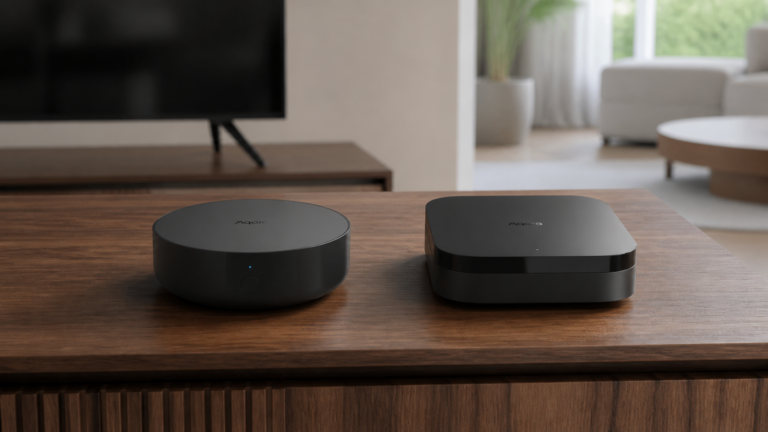
M2 and M3 aren't the same integration in Home Assistant. One uses HomeKit Controller, the other needs dual-stack. Here's the decision guide.
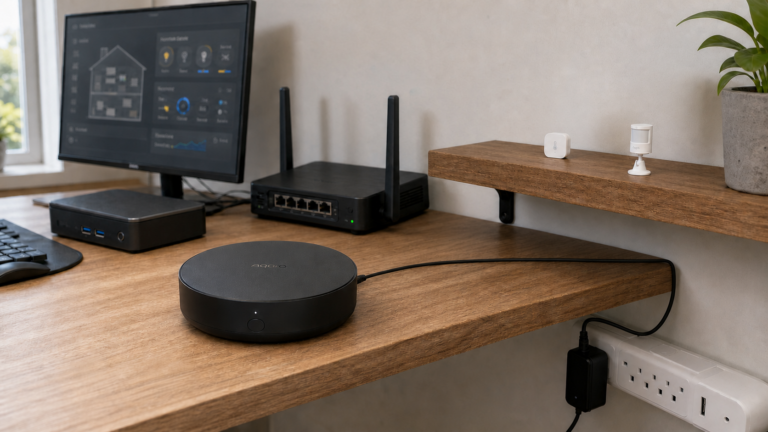
How to add the Aqara Hub M2 (ZHWG12LM) to Home Assistant via HomeKit Controller, what cloud dependency remains after setup, and when Matter is worth considering instead.
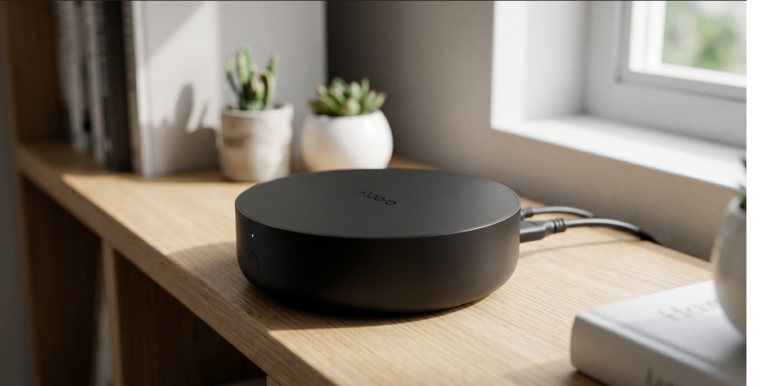
Set up Aqara Hub M2 with Home Assistant using HomeKit Controller — all local, no cloud hop, no Aqara account needed after initial setup.
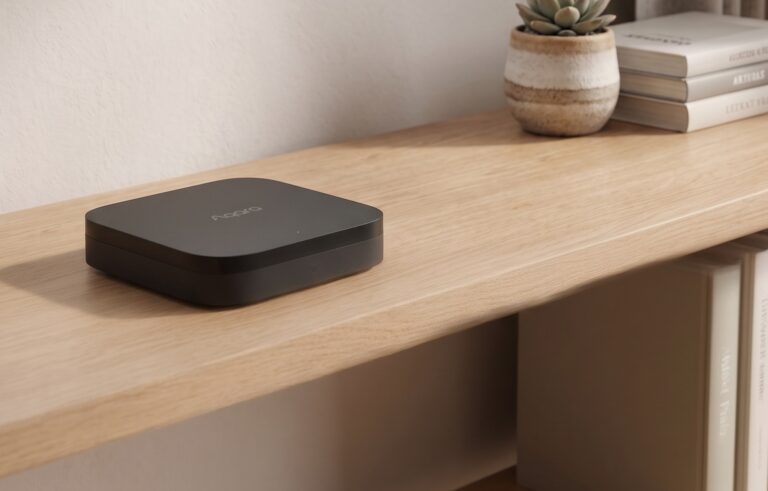
Both the Aqara M2 and M3 support local automation. The M3 adds a Thread border router, Matter controller features, and PoE. For Home Assistant, the useful comparison is which devices and controls each hub exposes, and which parts of your setup still need internet access. Below are the protocol differences, HA integration choices, and checks…