

Tuya Won’t Pair on an IoT VLAN? EZ vs AP Mode Explained
Tuya device won't pair on your IoT VLAN? Why EZ mode fails, why AP mode helps, and why the segment needs internet while Smart Life pairs it.
Tuya device won't pair on your IoT VLAN? Why EZ mode fails, why AP mode helps, and why the segment needs internet while Smart Life pairs it.

Set up Tuya Wi-Fi devices across an IoT VLAN. Check broadcast discovery, routed TCP control, manual setup, firewall rules and Docker networking.

SonoffLAN documents a 2026 cloud power-update restriction. Check the local fix introduced in v3.11.0, exact device support and VLAN connectivity.
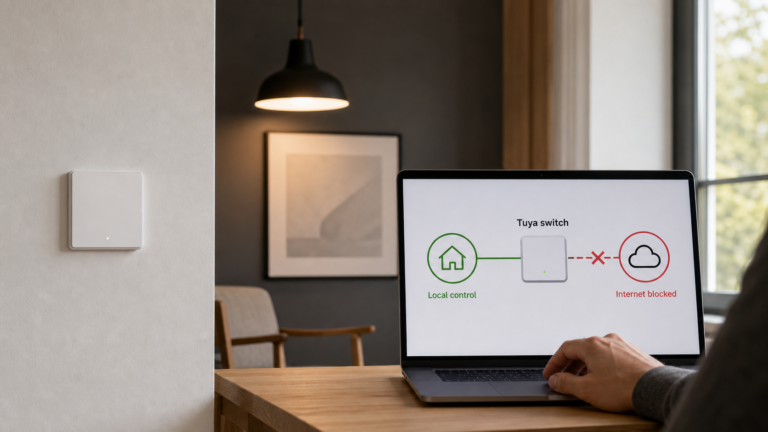
Blocking Tuya's cloud the naive way breaks local control. Here's the heartbeat mechanism behind it, and the blocking order that actually works.
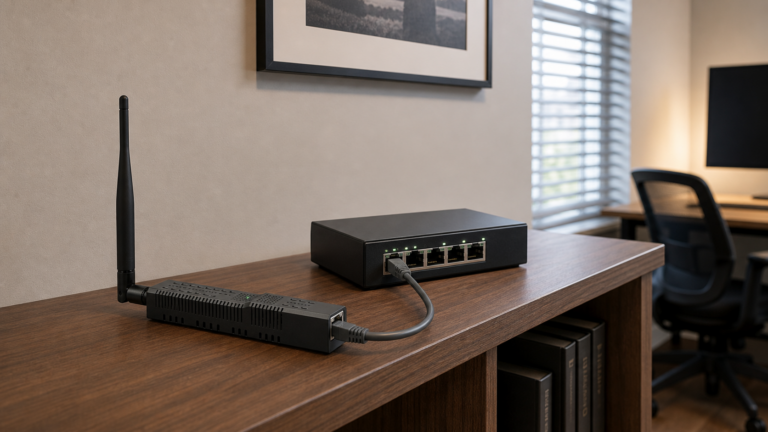
Set up the SMLIGHT SLZB-06 Ethernet Zigbee coordinator in Zigbee2MQTT: TCP vs mDNS, PoE and USB-C power, offline firmware, and SLZB-06 vs SLZB-07.
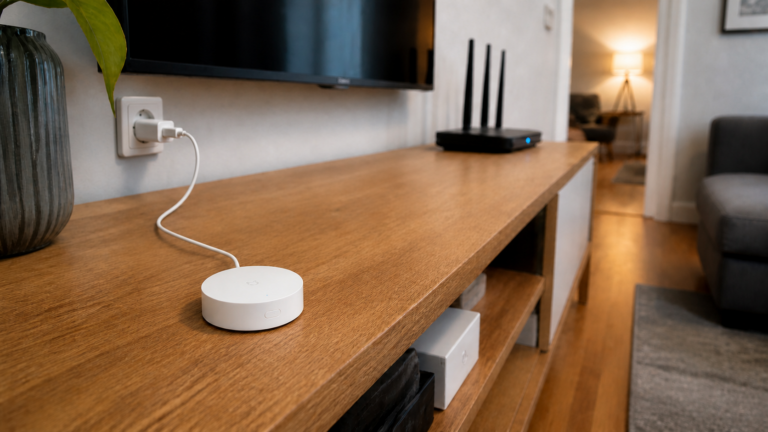
Set up the Xiaomi Multimode Gateway (ZNDMWG03LM/ZNDMWG02LM) for true local control in Home Assistant using XiaomiGateway3 — no cloud required.
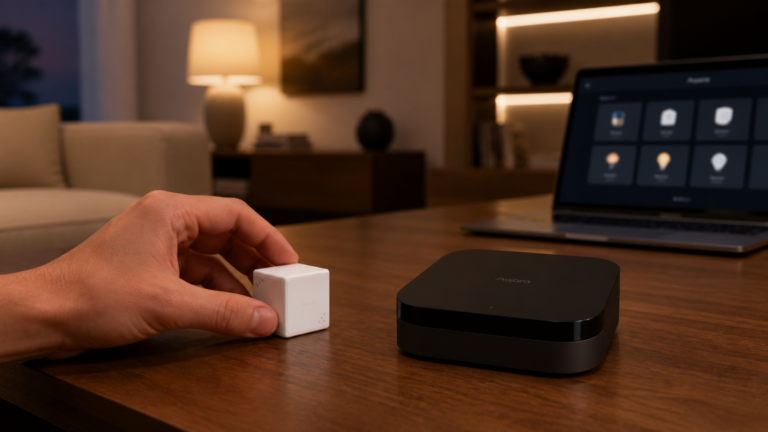
Use Aqara Matter Advanced Bridging to expose Aqara scenes and automation signals to Home Assistant, fully local with no cloud. Step-by-step setup.
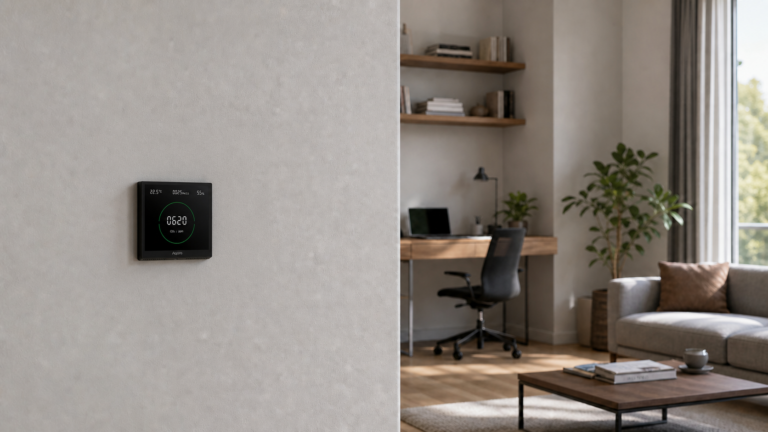
Set up the Aqara Air Monitoring Panel S1 locally with Zigbee2MQTT and Home Assistant. All four sensor entities, known PM2.5 bug, ZHA caveats, and calibration tips.
M2 and M3 aren't the same integration in Home Assistant. One uses HomeKit Controller, the other needs dual-stack. Here's the decision guide.
VLAN isolation breaks Aqara hub discovery and Xiaomi Miio control. The fix is mDNS reflection, outbound NAT, and firewall rules in the right order.