

Aqara Home Assistant Integration Methods: Which Stays Local
Five ways to connect Aqara to Home Assistant, ranked by how much of the Aqara app, account and cloud each still needs. Control is local on all five.
Five ways to connect Aqara to Home Assistant, ranked by how much of the Aqara app, account and cloud each still needs. Control is local on all five.
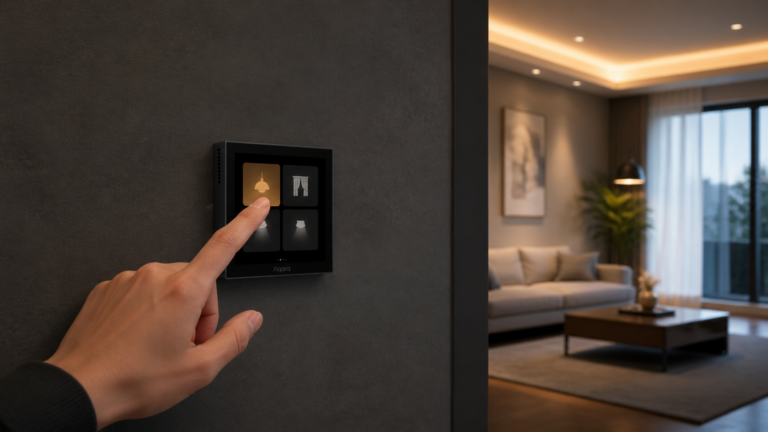
Pair the Aqara Scene Panel Switch S1 (ZNCJMB14LM) to Zigbee2MQTT with no Aqara hub, configure its three relays, and build decoupled scene triggers in HA.
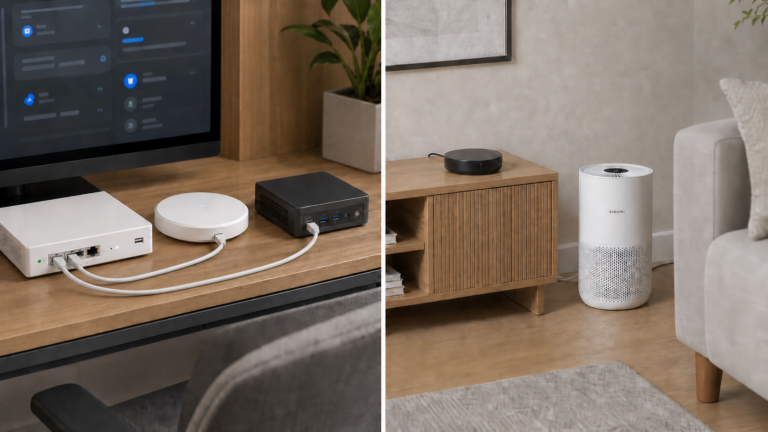
VLAN isolation breaks Aqara hub discovery and Xiaomi Miio control. The fix is mDNS reflection, outbound NAT, and firewall rules in the right order.
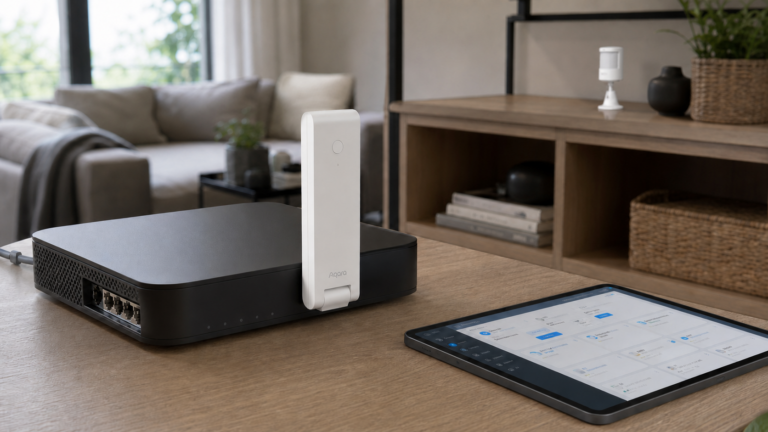
Connect Aqara Hub M100 to Home Assistant via Matter bridge for local control. VLAN setup, entity differences from M2/M3, and what still needs cloud.
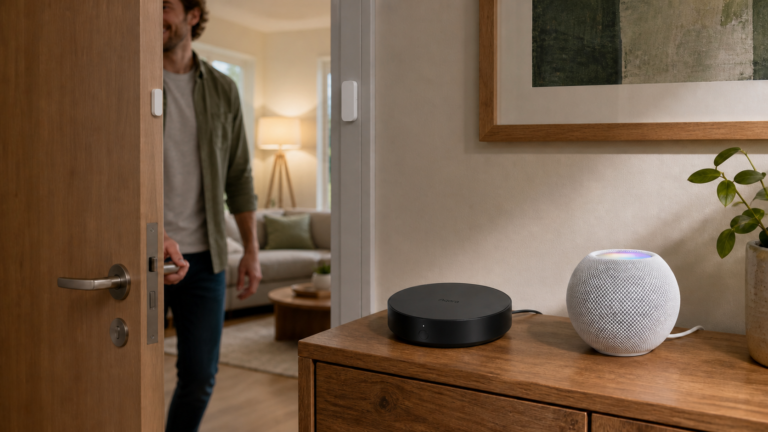
Aqara HomeKit mode is not the same as local automations. What runs offline, what still needs cloud, and which setup fits your privacy goals.
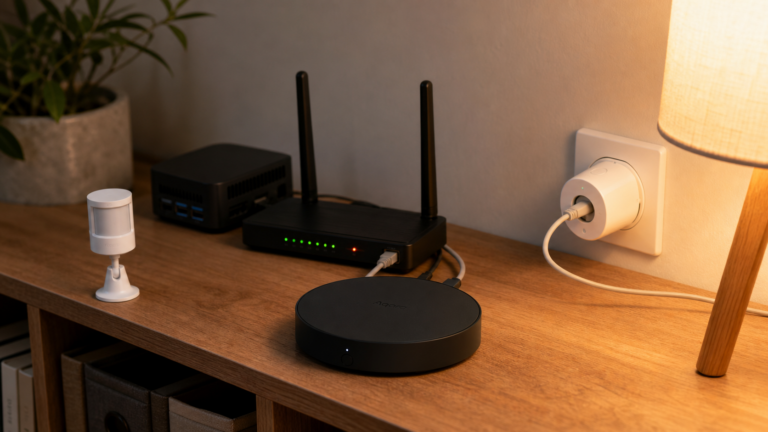
Aqara's local vs cloud behavior explained: what survives an outage, what dies, whether LAN mode works, and how Home Assistant removes the cloud.
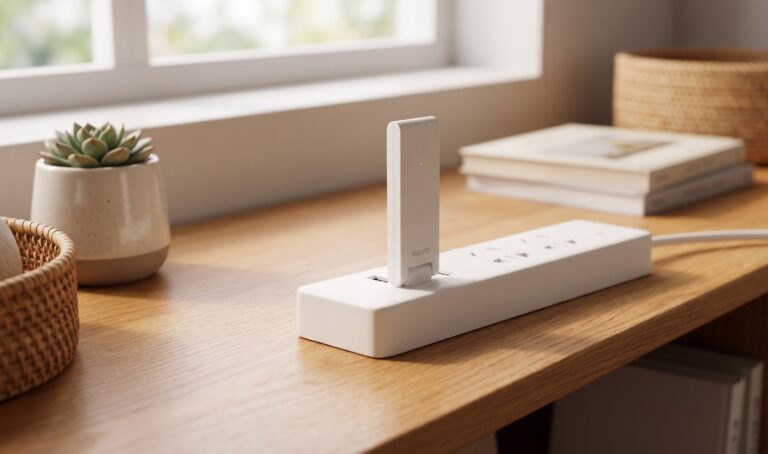
Connect the Aqara Hub E1 (ZHWG16LM) to Home Assistant without cloud — HomeKit Controller, XiaomiGateway3, and AqaraGateway paths compared.
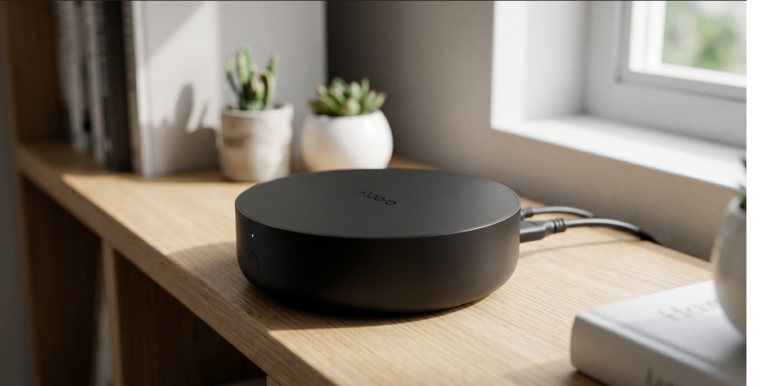
Set up Aqara Hub M2 with Home Assistant using HomeKit Controller — all local, no cloud hop, no Aqara account needed after initial setup.
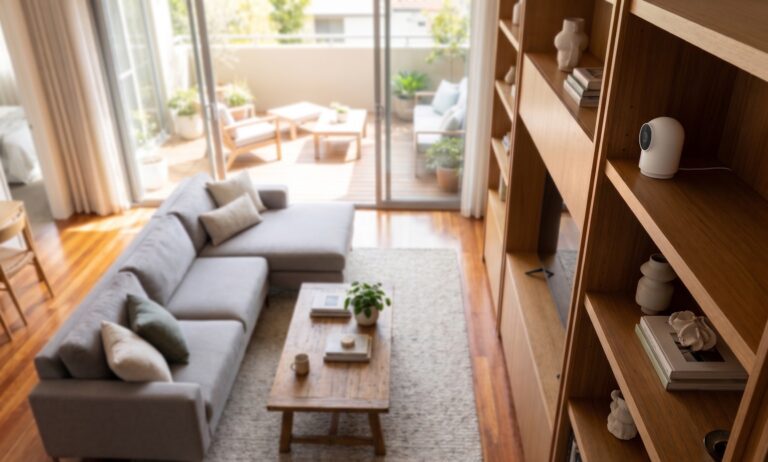
The Aqara Camera Hub G2H Pro combines a 1080p indoor camera with an Aqara Zigbee hub. You can bring its HomeKit video into a local go2rtc and Frigate setup, but the RTSP address in that arrangement belongs to go2rtc, not the camera. This guide follows the practical route: provision the camera’s Wi-Fi, pair it to…
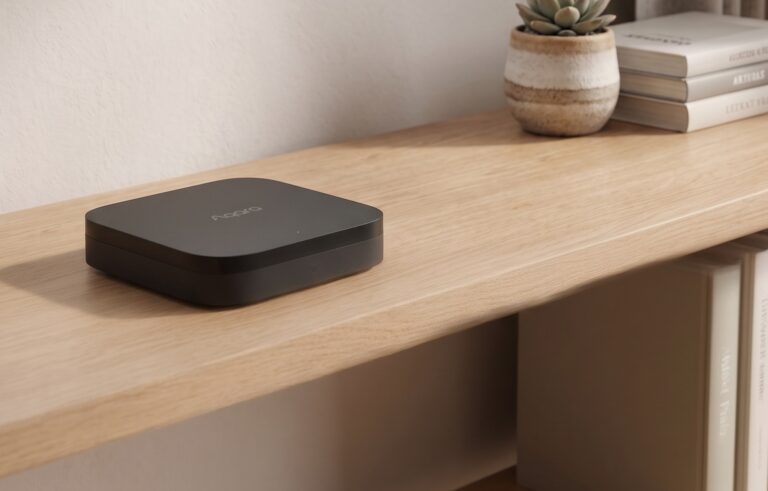
The Aqara Hub M3 can run supported automations on the hub and expose devices to Home Assistant over Matter or HomeKit. Those are separate connections: a local HA integration does not make every Aqara app feature work offline. This guide covers both HA routes, the M3’s separate Thread border-router role, IR options, and an offline…