

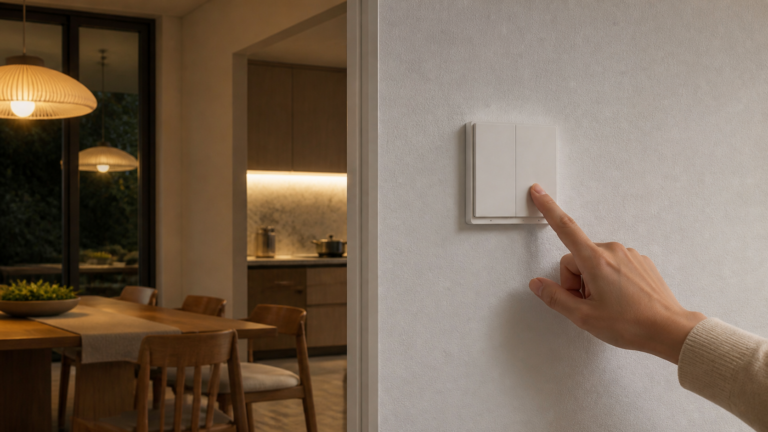
Aqara Wall Switch E1 Zigbee2MQTT & Home Assistant Setup
Set up the Aqara Wall Switch E1 (QBKG39LM, QBKG40LM) in Home Assistant via Zigbee2MQTT: pairing, decoupled mode, anti-flicker, cloud-free.
Set up the Aqara Wall Switch E1 (QBKG39LM, QBKG40LM) in Home Assistant via Zigbee2MQTT: pairing, decoupled mode, anti-flicker, cloud-free.
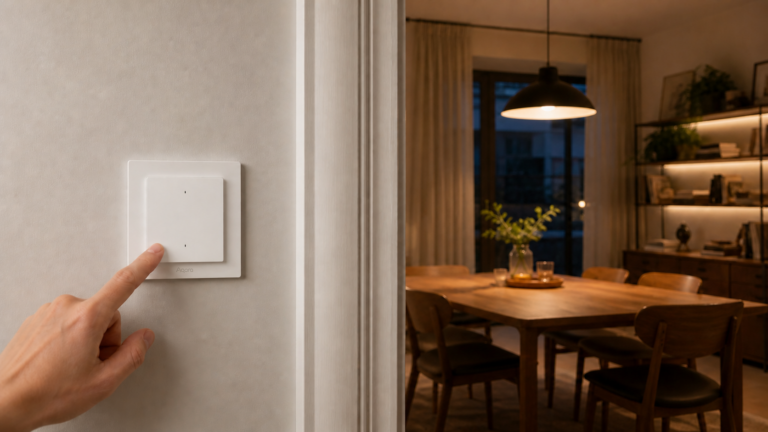
Set up the Aqara H2 EU wall switch (WS-K07E, WS-K08E) in Home Assistant via Zigbee2MQTT, including the one-time Thread-to-Zigbee mode switch.
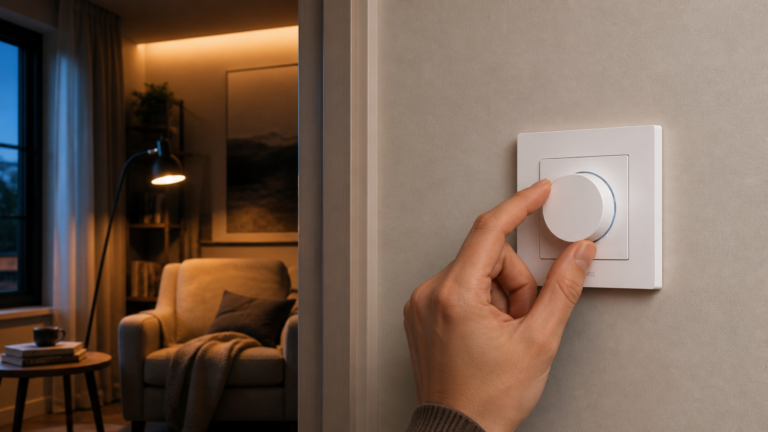
Set up the Aqara Dimmer Switch H2 (KD-R01D) with Zigbee2MQTT and Home Assistant. Covers the firmware switch, decoupled mode, smart bulb automations, and known bugs.
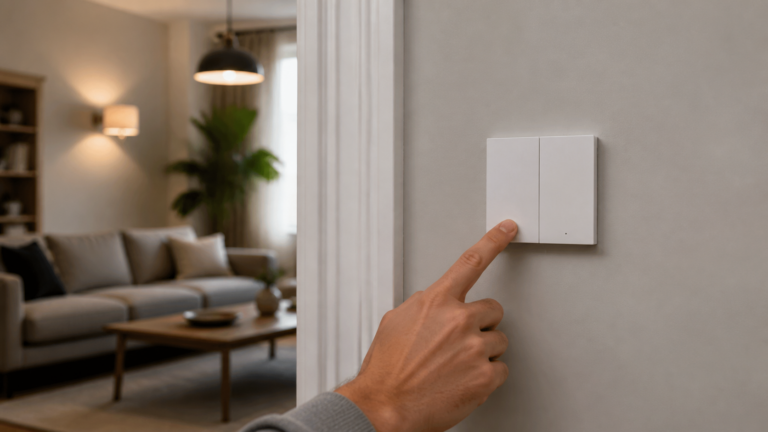
Set up the Aqara WS-EUK04 with Zigbee2MQTT and Home Assistant. Covers decoupled mode, energy monitoring, and the missing-entities pairing fix.
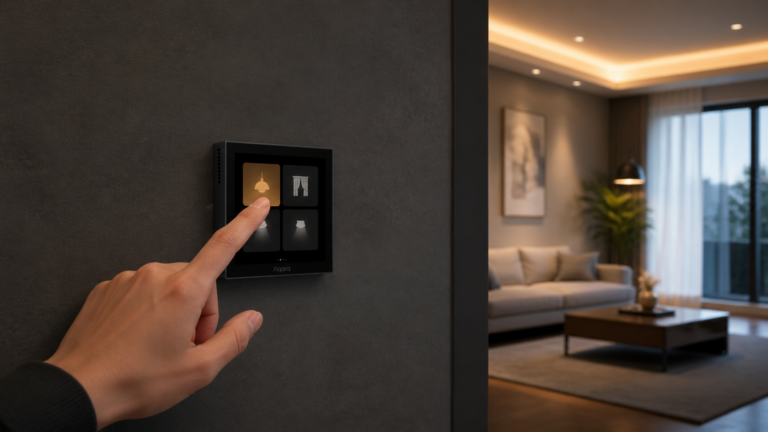
Pair the Aqara Scene Panel Switch S1 (ZNCJMB14LM) to Zigbee2MQTT with no Aqara hub, configure its three relays, and build decoupled scene triggers in HA.
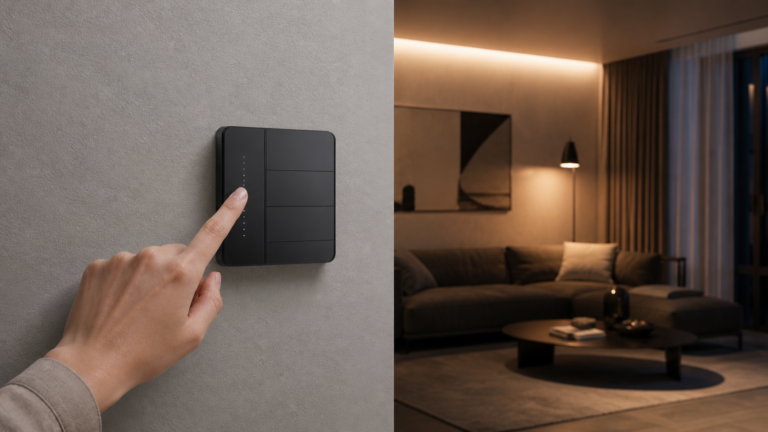
Set up the Aqara Z1 Pro wall switch (ZNQBKG43LM, ZNQBKG45LM) in Zigbee2MQTT and Home Assistant without the Aqara cloud. Covers pairing, decoupled mode, and known bugs.
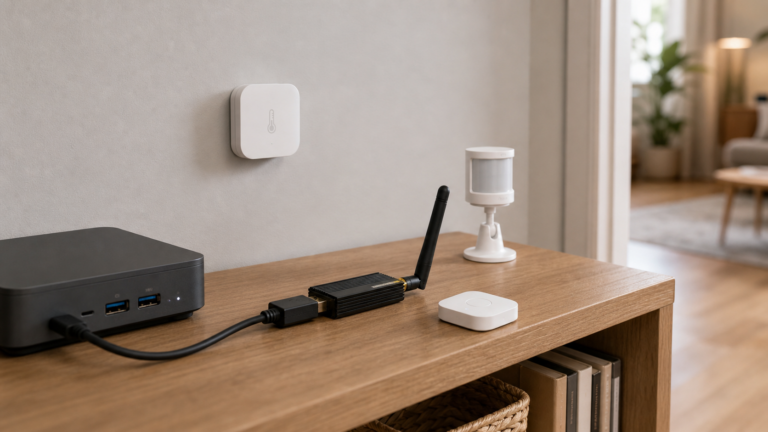
Use Aqara Zigbee sensors, switches, and plugs in Home Assistant without the Aqara Hub — via Zigbee2MQTT or ZHA and a USB coordinator. Fully local.
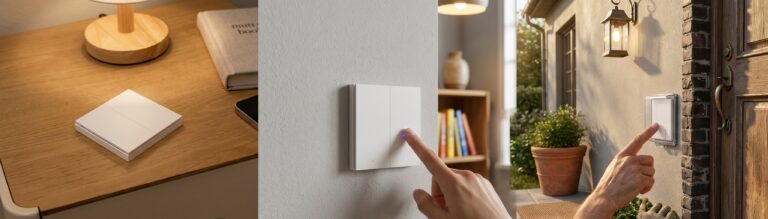
Set up the Aqara D1 triple switch (QBKG25LM, QBKG26LM) in Zigbee2MQTT and Home Assistant: pairing, entities, decoupled mode, and the state-sync bug.
Set up the Aqara Wall Switch H1 no-neutral (QBKG38LM) with Zigbee2MQTT and Home Assistant — pairing, decoupled mode, automation YAML, LED bulb gotcha.