

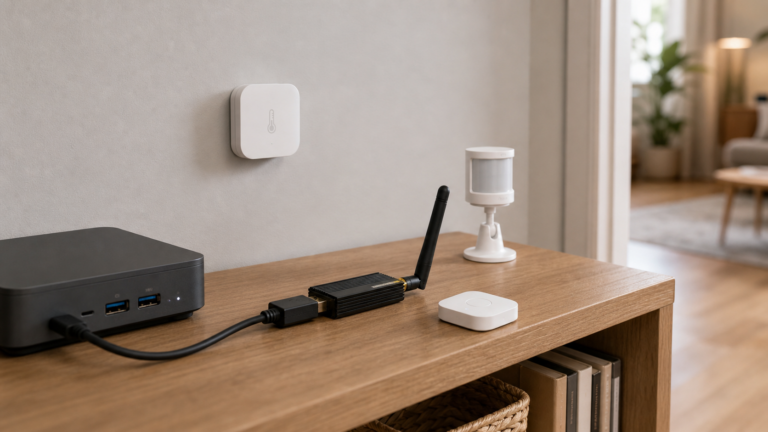
Aqara Zigbee Devices in Home Assistant Without the Aqara Hub
Use Aqara Zigbee sensors, switches, and plugs in Home Assistant without the Aqara Hub — via Zigbee2MQTT or ZHA and a USB coordinator. Fully local.
Use Aqara Zigbee sensors, switches, and plugs in Home Assistant without the Aqara Hub — via Zigbee2MQTT or ZHA and a USB coordinator. Fully local.
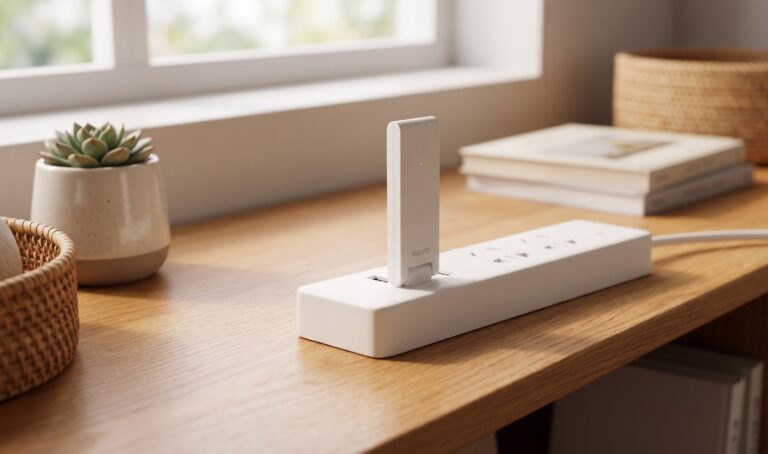
Connect the Aqara Hub E1 (ZHWG16LM) to Home Assistant without cloud — HomeKit Controller, XiaomiGateway3, and AqaraGateway paths compared.

Three CVEs hit the Aqara Hub M2, M3, and Camera Hub G3 in December 2025. Here's what's actually patched, what's still unclear, and what to do.
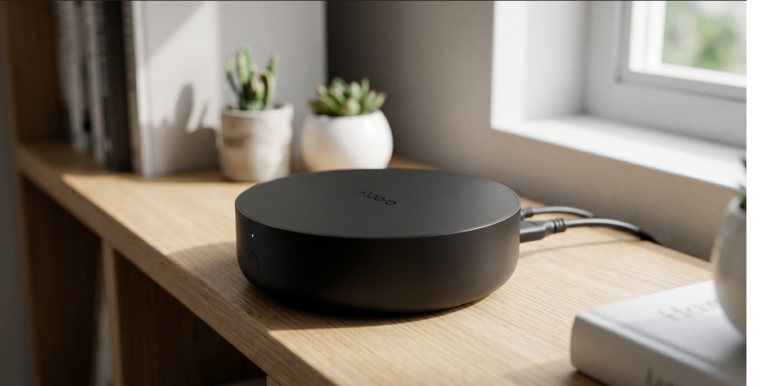
Set up Aqara Hub M2 with Home Assistant using HomeKit Controller — all local, no cloud hop, no Aqara account needed after initial setup.
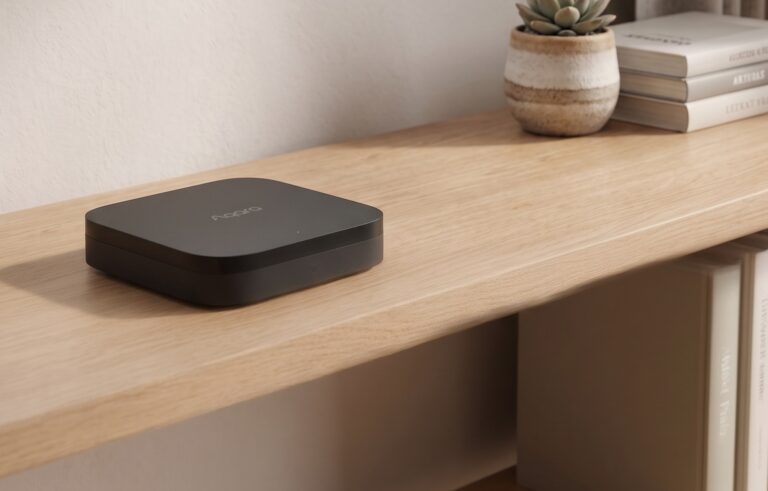
The Aqara Hub M3 can run supported automations on the hub and expose devices to Home Assistant over Matter or HomeKit. Those are separate connections: a local HA integration does not make every Aqara app feature work offline. This guide covers both HA routes, the M3’s separate Thread border-router role, IR options, and an offline…
Both the Aqara M2 and M3 support local automation. The M3 adds a Thread border router, Matter controller features, and PoE. For Home Assistant, the useful comparison is which devices and controls each hub exposes, and which parts of your setup still need internet access. Below are the protocol differences, HA integration choices, and checks…
The Aqara Hub E1 bridges supported Aqara Zigbee devices to Home Assistant over HomeKit. The hub manages the Zigbee network; HA receives the accessories exposed by its firmware. That gives local control without turning the E1 into a ZHA or Z2M coordinator. If the E1 is already in Apple Home, remove that HomeKit binding without…