

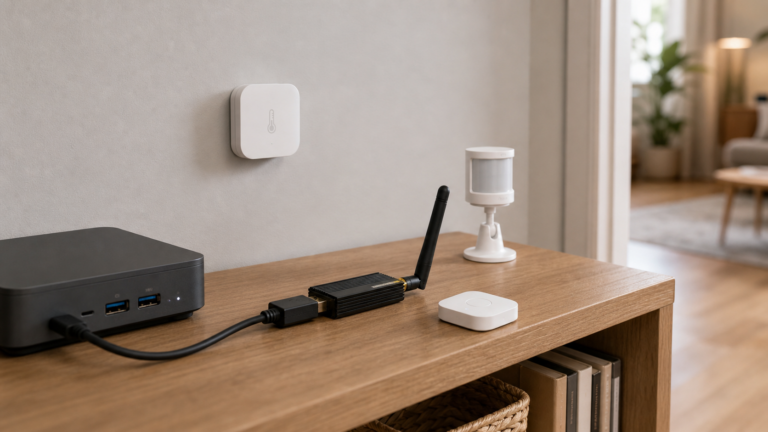
Aqara Zigbee Devices in Home Assistant Without the Aqara Hub
Use Aqara Zigbee sensors, switches, and plugs in Home Assistant without the Aqara Hub — via Zigbee2MQTT or ZHA and a USB coordinator. Fully local.
Use Aqara Zigbee sensors, switches, and plugs in Home Assistant without the Aqara Hub — via Zigbee2MQTT or ZHA and a USB coordinator. Fully local.
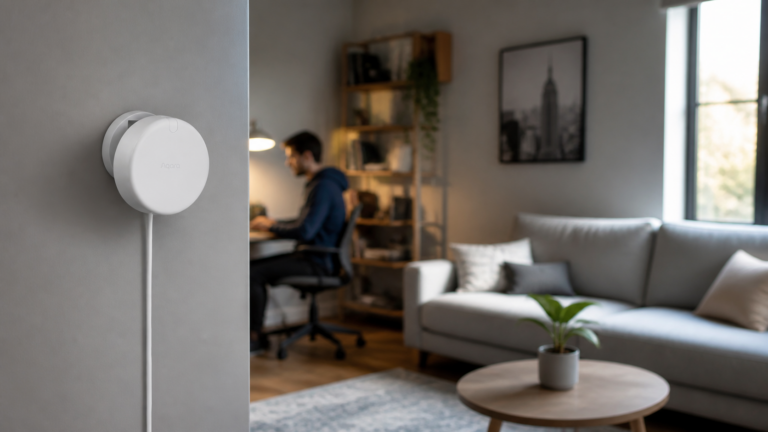
Set up the Aqara FP2 in Home Assistant with no cloud. Covers zones, HomeKit Controller pairing, and blocking Aqara traffic on a VLAN.
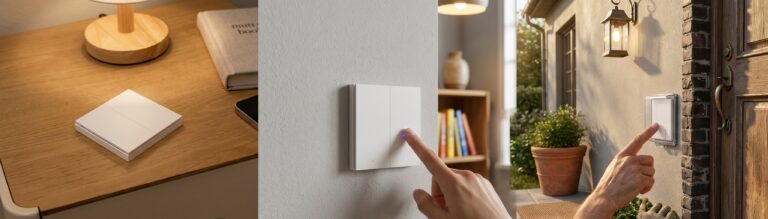
Set up the Aqara D1 triple switch (QBKG25LM, QBKG26LM) in Zigbee2MQTT and Home Assistant: pairing, entities, decoupled mode, and the state-sync bug.
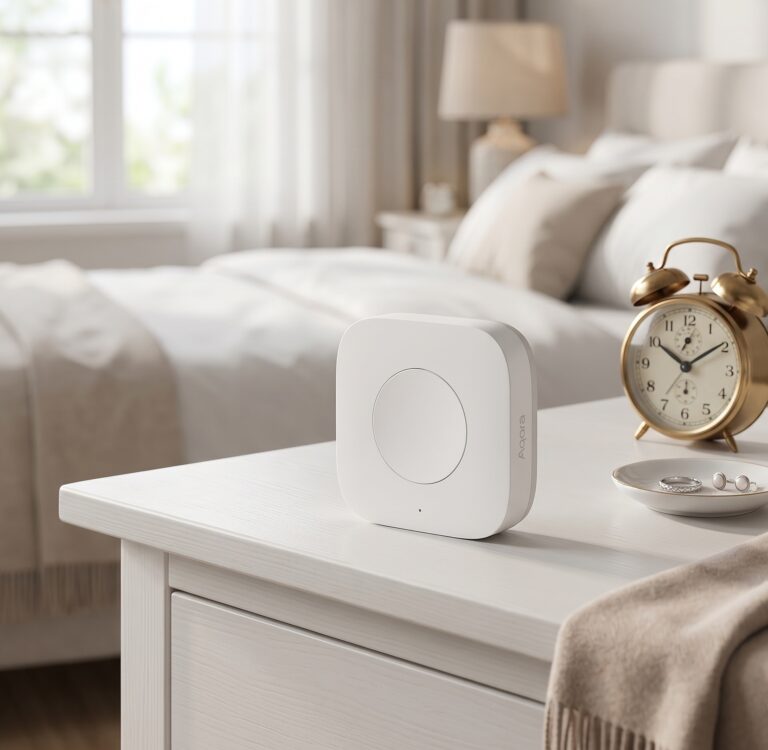
Pair the Aqara WXKG14LM to Zigbee2MQTT and Home Assistant, enable all four actions with click_mode multi, build local automations.
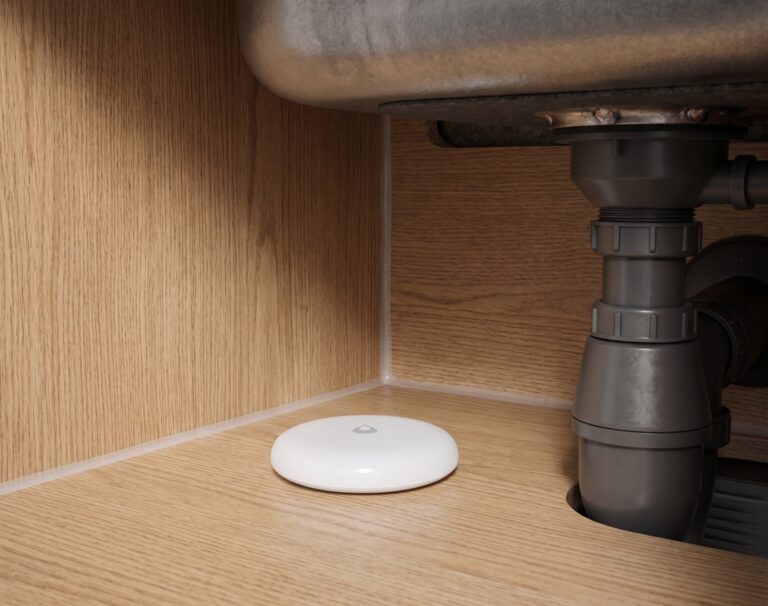
Pair any Aqara water leak sensor to Home Assistant via Zigbee2MQTT — no Aqara hub, no cloud. Pairing, entities, automations, troubleshooting.
Pair the Aqara SJCGQ11LM or SJCGQ12LM to Home Assistant locally via Zigbee2MQTT — no hub, no cloud. Full setup, automations, and placement guide.
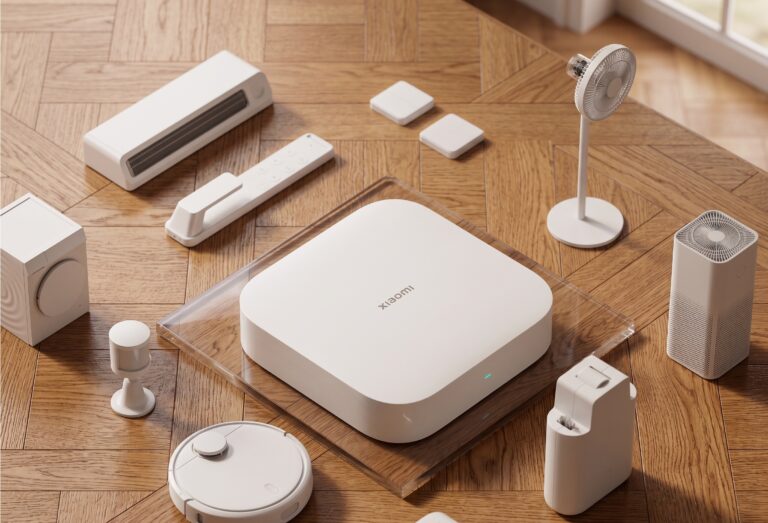
Many Xiaomi and Aqara Zigbee sensors work with Home Assistant through Zigbee2MQTT. Pair them with your own coordinator and HA can receive their readings without a vendor hub or account. Check the supported-device entry for the exact model first. The local path is device → Zigbee coordinator → Z2M → MQTT → HA. Your automations…