


Aqara Motion Sensor Generations Compared: Which One to Buy
Aqara sells five motion sensor generations with near-identical names. What actually differs in sensitivity, light sensing, OTA and local Zigbee2MQTT use.
Aqara sells five motion sensor generations with near-identical names. What actually differs in sensitivity, light sensing, OTA and local Zigbee2MQTT use.

Which battery does your Aqara or Xiaomi Zigbee sensor take, why Zigbee2MQTT's battery % reading isn't reliable, and when to actually replace it.

Aqara's five door/window sensors look alike but expose different data in Zigbee2MQTT. What changed each generation, and which to buy for a local setup.

Your Zigbee sensor reads 31°C indoors? That's device_temperature, chip heat, not the room. How to tell which attribute your device really reports.

A field guide to Aqara's T1, T2, E1, H1, and P1/P2 codes — which track real generations, which are tier names, and how to check before you buy.

Aqara and Xiaomi Zigbee devices share a manufacturer, not a company. Here's what that actually means for pairing, hubs, and which brand to buy.

Set up the Aqara Motion Sensor E1 (RTCGQ15LM) in Home Assistant via Zigbee2MQTT — no Aqara hub, no cloud. Configure detection interval and illuminance.
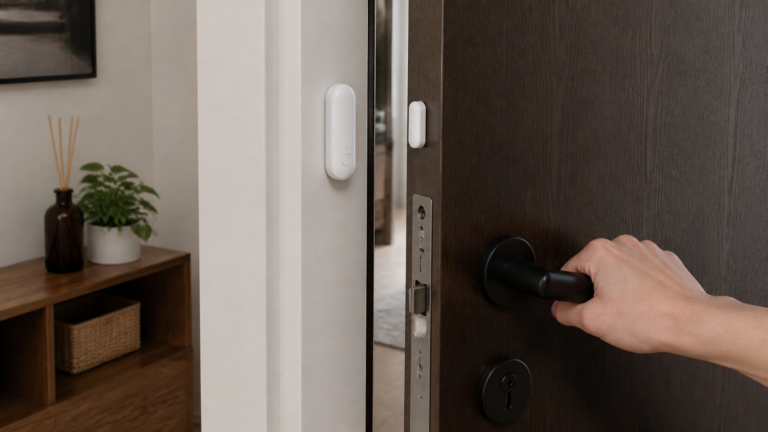
Pair the Aqara Door & Window Sensor P1 (MCCGQ13LM) with Zigbee2MQTT and Home Assistant — no Aqara hub. Pairing, entities, detection distance.
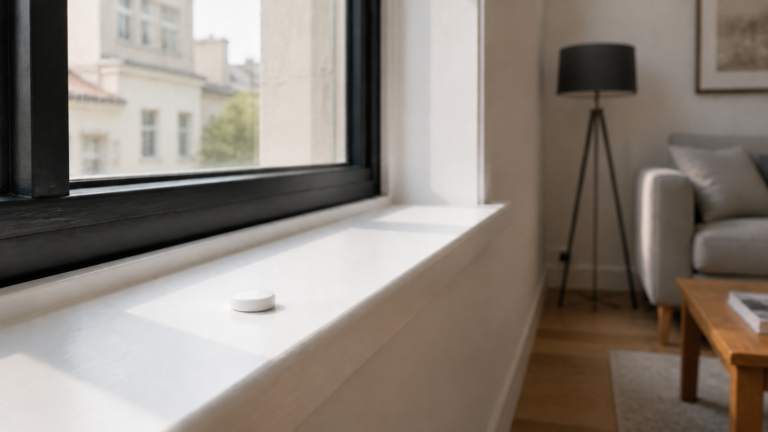
Pair the Xiaomi GZCGQ01LM light sensor straight into Zigbee2MQTT, no Mi Home needed. Entity set, calibration options, and two illuminance bugs to know first.
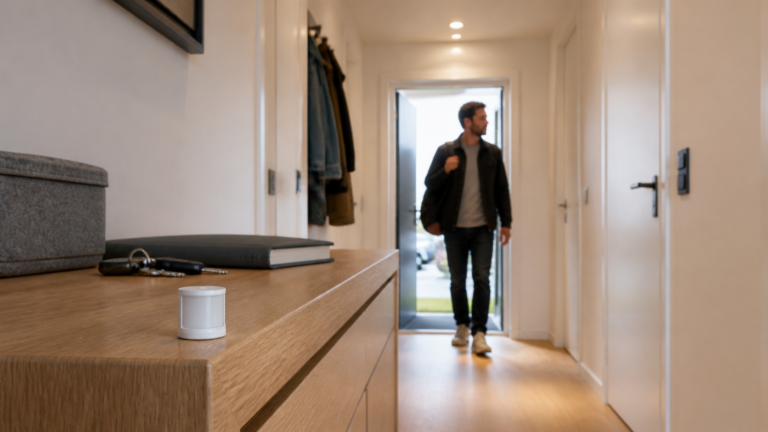
Pair the Xiaomi Mi Motion Sensor RTCGQ01LM with Zigbee2MQTT and Home Assistant — no Mi Home cloud — and tame its fixed 60-second motion lockout.