

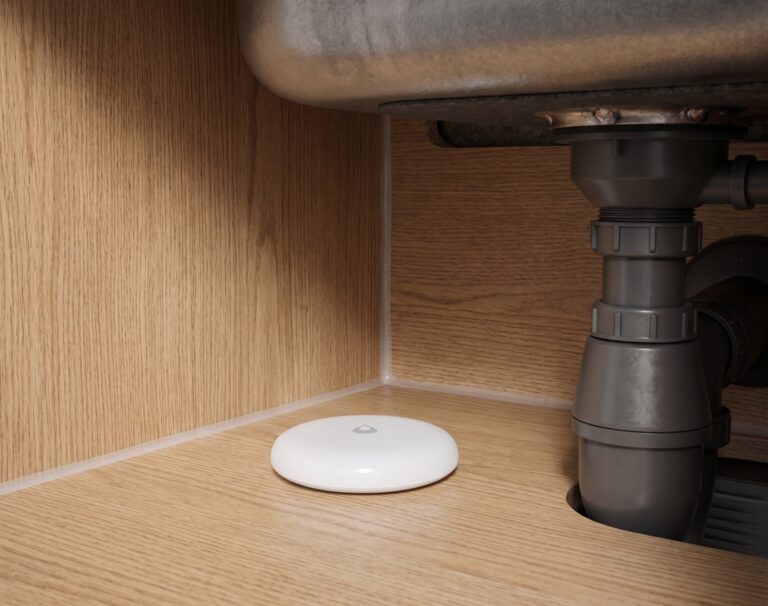
Aqara Water Leak Sensor in Home Assistant via Zigbee2MQTT (No Hub)
Pair the Aqara SJCGQ11LM or SJCGQ12LM to Home Assistant locally via Zigbee2MQTT — no hub, no cloud. Full setup, automations, and placement guide.
Pair the Aqara SJCGQ11LM or SJCGQ12LM to Home Assistant locally via Zigbee2MQTT — no hub, no cloud. Full setup, automations, and placement guide.
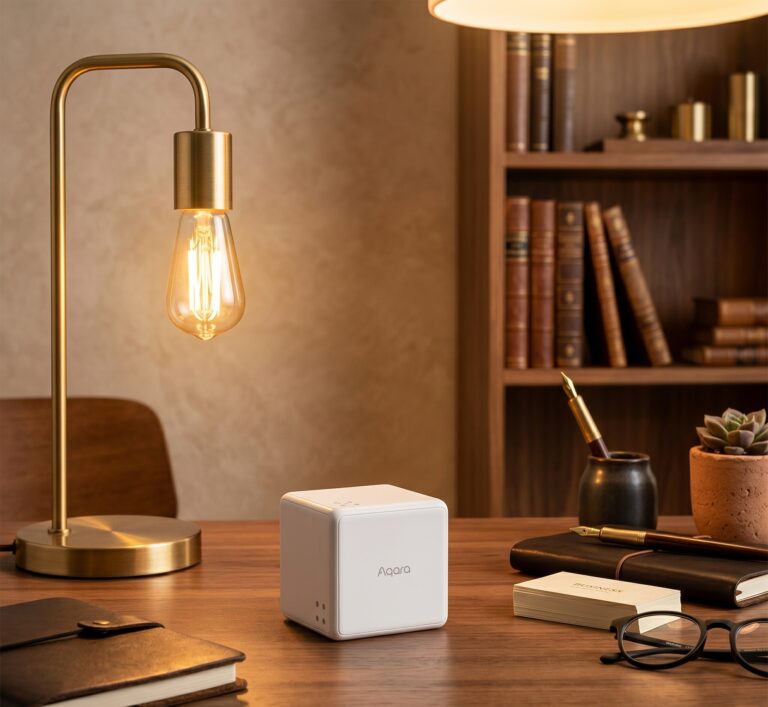
Aqara Cube T1 Pro: Home Assistant Automations via Zigbee2MQTT The Aqara Cube T1 Pro gives you physical controls for Home Assistant: shake to toggle a light, rotate to change brightness, or turn a numbered face upwards to select a scene. The useful part is choosing a small set of gestures that people can remember. This…

Aqara contact sensors can tell Home Assistant when a door, window, drawer, or cupboard opens. With Zigbee2MQTT they pair to your own coordinator, so you can build local lighting and household alerts without an Aqara hub, Mi Home app, or Aqara account. This guide covers the older MCCGQ11LM and the MCCGQ14LM E1, known as 门窗传感器…
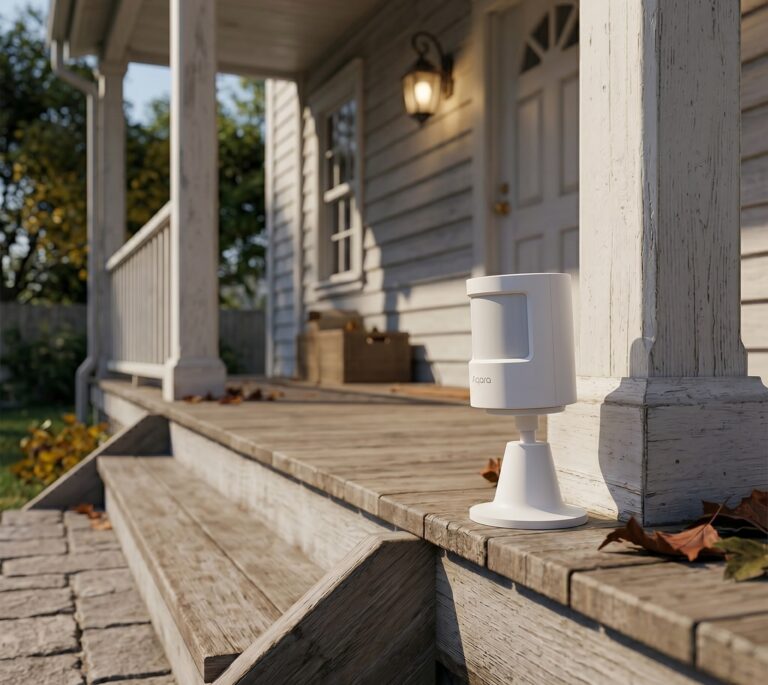
The Aqara P1 (RTCGQ14LM, also sold as MS-S02) lets you adjust motion sensitivity and the interval between reports in Zigbee2MQTT. It runs on two CR2450 batteries and reports movement and illuminance to Home Assistant through your Zigbee coordinator. An Aqara hub or account is unnecessary for this route. There is one setting worth understanding before…
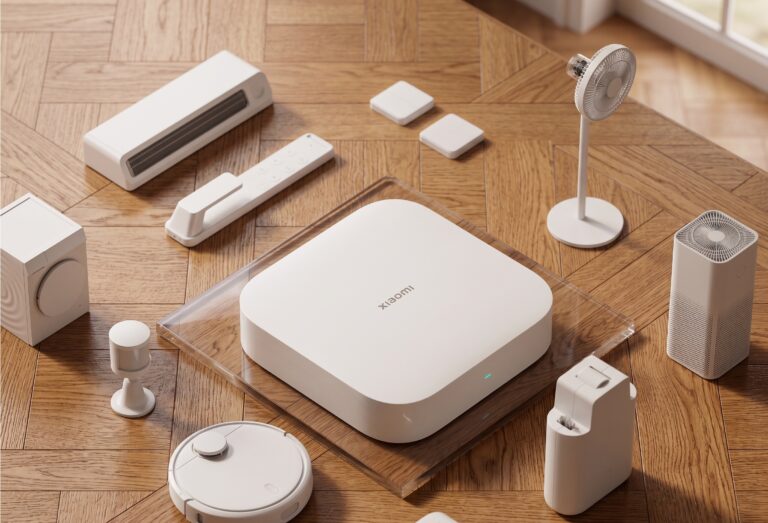
Many Xiaomi and Aqara Zigbee sensors work with Home Assistant through Zigbee2MQTT. Pair them with your own coordinator and HA can receive their readings without a vendor hub or account. Check the supported-device entry for the exact model first. The local path is device → Zigbee coordinator → Z2M → MQTT → HA. Your automations…