

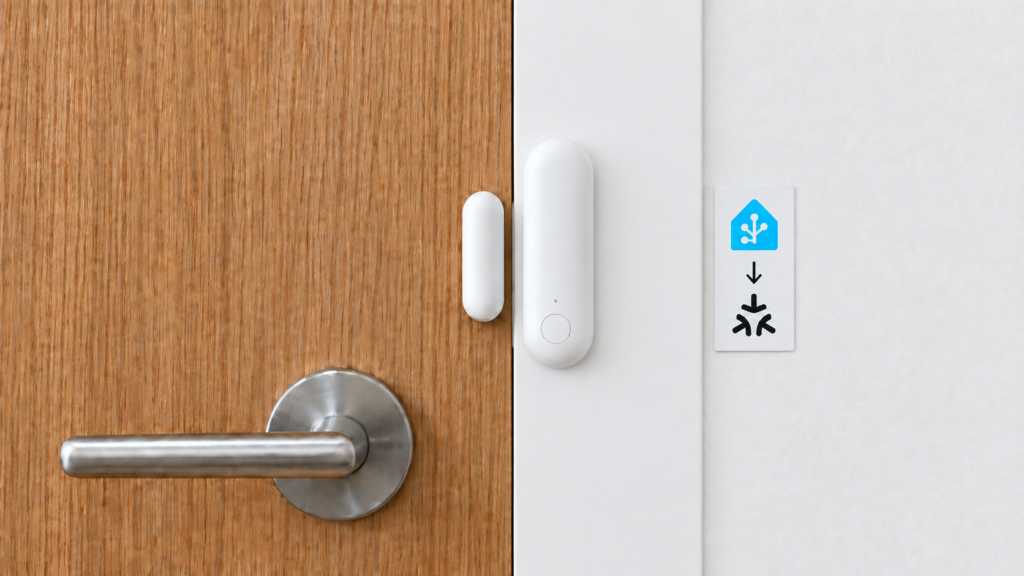
Home Assistant has an Aqara brand page, introduced in 2024.10. It is a way to find supported connection routes, rather than a separate Aqara account login that makes every product appear in Home Assistant.
The route still depends on the device: native Matter, Zigbee through a supported coordinator, or an accessory exposed by a compatible hub. This article explains the listing and separates it from the legacy Xiaomi Gateway integration and Aqara’s Matter bridging.
What the “Aqara” integration actually is
The public page describes Aqara’s Works with Home Assistant partnership and Matter support, with a Local Push classification. It does not run a second device connection alongside Matter.
Home Assistant’s brand developer documentation describes how these entries group integrations and supported standards. The released 2026.9.4 integration metadata lists both matter and zigbee for Aqara. Treating the brand entry as Matter-only would miss part of that routing.
Searching Aqara in Add integration can guide you toward supported standards. It does not create a universal Aqara setup screen. The menu wording can change; selecting the actual Matter or Zigbee integration directly avoids guessing which route the brand entry will offer.
How you add the device
For a Matter device, configure the core Matter integration and its Matter Server first. To commission a new device, use the Home Assistant Companion app on a supported phone: open Settings → Connectivity → Matter → Add device, choose the new-device option and scan its Matter code. Older HA versions may place that entry under Devices & services. A desktop browser is not the new-device commissioning route.
Follow the current Matter instructions. Thread-based Matter products also need a Thread border router and the correct Thread credentials; Wi-Fi/Ethernet Matter products do not use a Zigbee coordinator. For a device already commissioned elsewhere, open a sharing window in its existing controller and use the new sharing code rather than assuming its original printed code is sufficient.
For a hub acting as a bridge, set up the hub and eligible children using its supported procedure, then add its Matter bridge to HA. The Hub M100 guide and Door and Window Sensor P2 guide cover a bridge and a native Thread device respectively. They are different setup paths.
For direct Zigbee, use ZHA or Zigbee2MQTT with a supported coordinator and device-specific support. The Aqara brand entry does not convert a Zigbee radio into Matter or join every Aqara model automatically.
Works via Matter with Home Assistant: the certification behind the page
The listing exists because of a partnership, not because Aqara built its own integration. On 2024-09-03, Aqara joined the Works with Home Assistant program, becoming the first partner certified under the “Works via Matter with Home Assistant” badge. The announcement established the partnership and Matter badge. Its embedded device list has expanded since publication, so use the current certification roster instead of reading today’s list as an unchanged snapshot of September 2024.
The two certifications answer different questions. Matter certification says a device speaks the standard. The Works with Home Assistant badge says a specific device was checked against Home Assistant’s own requirements, which is the closer answer to “will this behave in my setup.”
What’s on the supported list today
The Works with Home Assistant certified-device roster gives model IDs, connection routes and limitations. The public Aqara page also lists the following families. The presence of a device in that list does not mean each one is a native Matter endpoint.
| Family | Devices on the Aqara page | Route to check |
|---|---|---|
| Locks | U200, U300 | Matter over Thread; vendor calibration/features may have separate requirements |
| Lighting/switches | LED Bulb T2 E26 CCT and RGB+CT; H2 US/EU | Exact model and selected protocol; do not assume Zigbee and Matter modes operate simultaneously |
| Hub | M3 | Matter bridge for supported children; Thread border routing is a separate role |
| Thread sensors | Motion and Light Sensor P2, Door and Window Sensor P2, Climate Sensor | Native Matter over Thread |
| Presence | FP1E, FP300 | FP1E is Zigbee and the certified route uses an M3 bridge; FP300 depends on its selected Zigbee/Thread mode |
| Valve control | Valve Controller T1 | Vendor-hub/bridge route for this Zigbee product |
Aqara’s FP1E documentation confirms Zigbee and Matter ecosystem use through an Aqara hub. Direct ZHA/Z2M support is a separate route. The roster’s connection column is more useful here than grouping devices by HA entity category.
Cross-check that column against the product instructions too. The current roster labels Valve Controller T1 as Matter over Thread, while Aqara’s product page specifies Zigbee 3.0 and Matter-over-bridge support. The setup route in this table follows the manufacturer’s device description; the roster entry alone does not establish a native Thread radio in that valve controller.
For the Door and Window Sensor P2, this site already has a full setup guide. For the Hub M3’s role in Aqara’s lineup, see the hub comparison, which covers it alongside Aqara’s other hubs.
Local Push, and what that buys you over the cloud-based alternative
The Local Push classification describes how entities update once a device is paired. Changes push in over the local Matter connection rather than Home Assistant polling on an interval. That’s the core Matter integration’s behavior generally, since this listing rides on top of it rather than running a connection of its own.
It’s a useful contrast against Xiaomi’s official Xiaomi Home integration, the route for devices living in the Mi Home ecosystem. That integration requires a Xiaomi account and a cloud round-trip for setup and, depending on configuration, for ongoing operation. Our piece on what “local” actually means in that integration covers the gap between the claim and the practice. Matter control is local once commissioned. That does not guarantee successful discovery, correct VLAN/IPv6 configuration, every vendor feature or the absence of separately enabled online services. The listing is not a claim of zero vendor traffic.
Don’t confuse it with: Xiaomi Gateway (Aqara)
Xiaomi Gateway (Aqara) is a separate, older integration that turns up in the same search results. It’s also Local Push, which is part of why the two get mixed up, but the mechanism is completely different. It talks to the local API of an older Xiaomi or Aqara gateway, and exposes the classic Zigbee sub-devices paired to that gateway. It has nothing to do with Matter. Use it only with a supported legacy gateway and local-API configuration. Its docs list lumi.gateway.v2 and lumi.gateway.v3, and explicitly exclude lumi.gateway.aqhm01. Owning a classic Aqara battery sensor alone does not make this integration suitable. ZHA/Z2M or a supported modern bridge may be the right route instead.
Don’t confuse it with: Matter advanced bridging
There’s a third thing with “Aqara” and “Matter” in the name that’s also not this. Advanced bridging, covered in our Matter advanced bridging piece, is about using an Aqara hub as a Matter bridge for its connected Zigbee sub-devices, then syncing scenes and signals across that bridge. A native Matter endpoint and a Zigbee accessory behind a Matter bridge both reach HA through Matter, but their setup, available entities and vendor-feature coverage differ. The listing includes bridge-dependent products as well as native endpoints; the FP1E is an example.
If you’re already running Zigbee2MQTT or ZHA
None of this replaces Zigbee2MQTT or ZHA for Aqara’s classic Zigbee catalog. The certified list is still a small slice of Aqara’s lineup: mostly newer locks, the T2 bulbs, the H2 switches, and a handful of sensors. If you’re weighing which integration to use for a classic Aqara Zigbee device, our ZHA vs Zigbee2MQTT comparison covers that decision. The brand entry can also direct users toward Zigbee. Keep a working Zigbee installation if it already provides the features you need; certification does not require moving it to a vendor hub.
FAQ
What is the Aqara integration, and how do I add it?
It is a brand entry that points to supported standards rather than an Aqara cloud-account login. Select the actual connection route for your device: Matter for a native endpoint/bridge, or ZHA/Zigbee2MQTT for supported direct Zigbee devices.
Is the Aqara route local?
Matter control and local Zigbee control are local connection paths. Account binding, app use, updates or other enabled vendor services remain separate questions.
How does Xiaomi Gateway (Aqara) differ?
It uses the local API of specifically supported legacy gateways. It is not a generic integration for every Aqara hub, and it is unrelated to a Matter bridge.
Do I need an Aqara account for Matter?
Check the exact product. A native endpoint can often commission directly, while a hub, calibration or vendor-only settings can require app setup. HA supports Matter OTA for supported update providers; do not assume that Aqara Home is the only possible update route for every Matter product.
Which devices use Matter and which use Zigbee?
Read the certification roster’s connection column and the device’s instructions. P2 sensors are native Matter-over-Thread examples. FP1E is Zigbee, with the certified vendor-bridge route and separate direct-Zigbee support. Classic sensors can use ZHA/Z2M where supported; a brand listing does not change their radio protocol.
Evidence and limits
The distinctions above come from HA’s current brand/integration documentation, released metadata, certification roster and the relevant protocol/device pages. No hands-on pairing was performed for this article, and the exact Aqara brand-selector screen is not presented as a tested workflow.
Use the documented Matter Companion-app flow or your Zigbee integration directly, then verify the actual entities your product exposes. Check the official roster for changes: a family name, a Local Push label or a brand logo is not a promise that every variant and vendor feature behaves identically.