

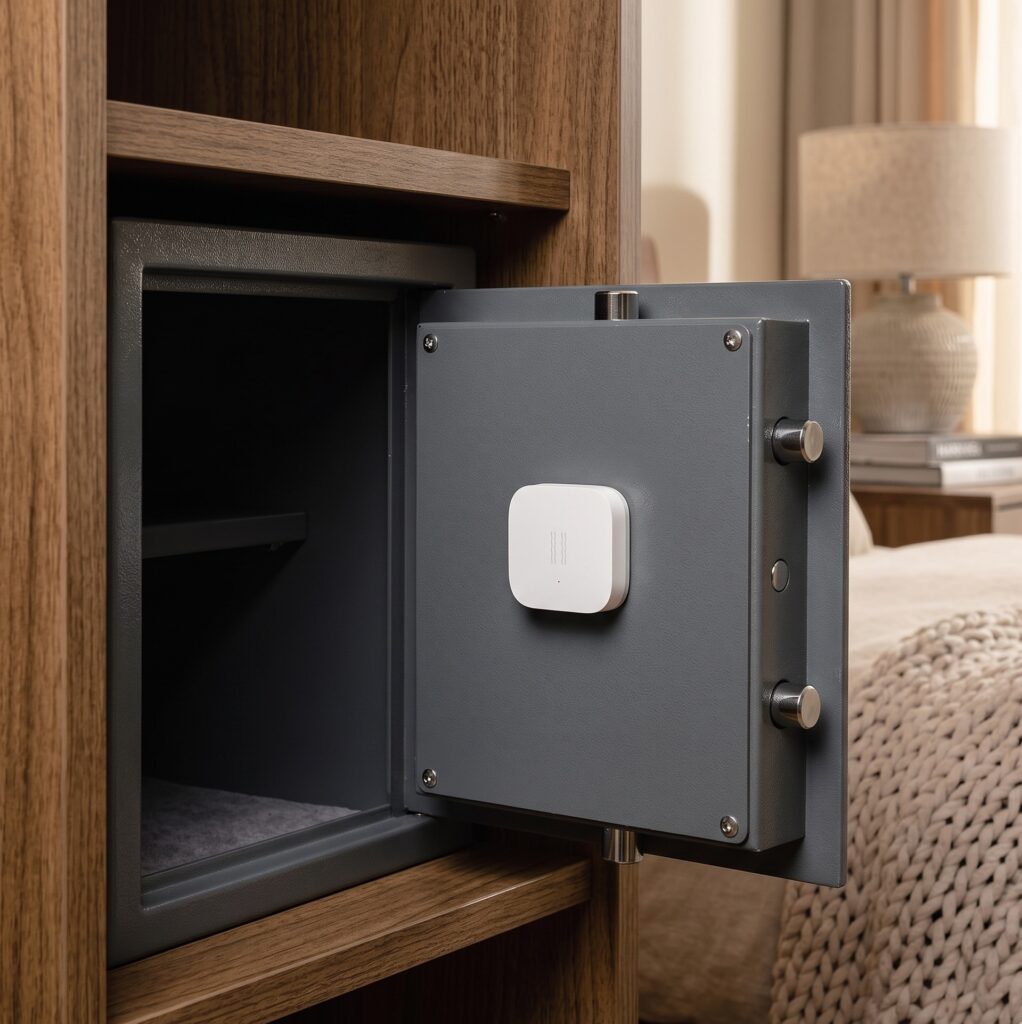
Aqara Vibration Sensor (DJT11LM): Local Setup via Zigbee2MQTT
The box says “Requires Aqara Hub.” That’s accurate only if you plan to use the Aqara app and cloud. If you’re running Zigbee2MQTT with Home Assistant, you don’t need the Aqara hub at all — the DJT11LM pairs directly with any standard Zigbee coordinator.
This guide covers the full local setup: pairing, what the sensor actually reports, how to tune sensitivity, and a couple of automation patterns worth using.
Disclosure: This page contains no affiliate links.
What the Aqara vibration sensor does (and what it doesn’t)
The DJT11LM detects three types of physical events and publishes them as an action property to your MQTT broker:
- vibration — rapid, repeated movement (someone picking something up, a washer spinning, a window rattling)
- tilt — a sustained change in orientation beyond a threshold angle
- drop — a sudden freefall event
Beyond actions, the sensor also reports a vibration boolean state (true/false), angle readings (x/y/z), and raw accelerometer values (x_axis/y_axis/z_axis). More on those caveats shortly.
What it won’t do: provide continuous, real-time vibration data. Action events fire at most once per minute — if vibration is continuous, a second event only emits after that interval. For applications where you need per-second granularity (industrial monitoring, for example), this isn’t the right sensor. For washer cycles, mailboxes, and security alerts, the once-per-minute cadence is fine.
The “Requires Aqara Hub” warning
The product listing is referring to the Aqara Home app ecosystem. To use the sensor through Aqara’s cloud, you need the hub. But Zigbee2MQTT speaks the same Zigbee protocol the hub uses — the sensor has no idea it’s talking to a Sonoff USB dongle instead of an Aqara M2. The hub requirement is an app requirement, not a hardware one.
DJT11LM vs DJT12LM: which to buy in 2025
The DJT12LM (Vibration Sensor T1) is the newer model, adding Zigbee 3.0 and Matter support. On paper it’s the better buy. In practice, there have been reports in the Zigbee2MQTT issue tracker of DJT12LM units not exposing action events reliably after pairing, plus inconsistent battery reporting in some configurations.
For a Zigbee2MQTT + Home Assistant setup, the DJT11LM remains the safer choice today. It uses the older Zigbee HA 1.2 profile (not Zigbee 3.0), but it works reliably and is well-supported in Z2M.
Prerequisites
Before pairing the sensor, you need:
- Home Assistant with the Zigbee2MQTT add-on and Mosquitto broker running
- A Zigbee coordinator — the Sonoff Zigbee 3.0 USB Dongle Plus is a common and well-supported option
- A CR2032 battery installed in the sensor (check it’s making contact — the tab can be stubborn)
- Zigbee2MQTT’s permit join mode enabled or accessible from the Z2M dashboard
If you’re already running an Aqara hub and considering switching to Zigbee2MQTT, the migration path from the M2 to a coordinator-only setup is its own topic — covered separately on the site.
Pairing the DJT11LM to Zigbee2MQTT
Aqara’s Zigbee end devices have a known pairing quirk: they go to sleep quickly if there’s no traffic on the network. You have to keep the device awake during the pairing process by repeatedly pressing the reset button.
Steps:
- In Zigbee2MQTT, enable permit join (either globally or for a specific router device close to where the sensor will live).
- Hold the reset button on the DJT11LM for approximately 5 seconds. The LED flashes three times — that’s the pairing mode signal.
- The sensor will start trying to join. To prevent it from sleeping before the coordinator responds, continue pressing the reset button every 2 seconds. You may need up to 20 presses in some setups with a busy or congested network.
- Watch the Z2M dashboard (or the Z2M log) for the device to appear. It will show up as
DJT11LMor with a device model tag in that format. - Rename the device to something human-readable (
washing_machine_vibration,mailbox_vibration, etc.) — the friendly name is what gets used in MQTT topics and Home Assistant entities.
If the device doesn’t appear after 30+ presses, check that permit join is actually active and that the coordinator is within reasonable range. The DJT11LM is an end device (not a router), so it can’t extend your mesh — place it within a hop or two of a router or coordinator.
What Zigbee2MQTT exposes
Once paired, the sensor publishes to zigbee2mqtt/FRIENDLY_NAME. The relevant properties:
action
The main trigger for automations. Values: vibration, tilt, drop. These fire as discrete events — they don’t persist as a state. Your automations should trigger on action changes, not poll a continuous state.
vibration (boolean)
Separate from action. This is true after a vibration event and remains true for the duration of the vibration_timeout window (default: 90 seconds), then resets to false. Useful for checking “is it currently in a vibration window” rather than catching the event itself.
vibration_timeout
Configurable via MQTT. Default is 90 seconds. If you’re detecting washing machine cycles, 90 seconds is usually long enough — the machine will continue vibrating and refreshing the timeout. For a mailbox, 90 seconds might be too long; you could lower it to 30.
sensitivity
Numeric range 1 (most sensitive) to 21 (least sensitive). Also accepts string aliases: low, medium, high. This is one you’ll tune based on placement and use case.
Angle and accelerometer values (use with caution)
The sensor reports angle_x, angle_y, angle_z and x_axis, y_axis, z_axis. These arrive a few seconds after a tilt event — not simultaneously with the action. More importantly: a regression introduced in Zigbee2MQTT 1.40.2-1 causes these values to stop updating reliably for many DJT11LM units (tracked as upstream GitHub issue #21432). The action events (vibration/tilt/drop) continue to work correctly.
The practical takeaway: build automations on action triggers. Don’t rely on accelerometer or angle values for anything production-critical until the upstream issue is resolved.
Note also that x_calibration, y_calibration, z_calibration offsets only affect Z2M’s internal state — they don’t modify the raw MQTT values.
Battery and linkquality
Standard properties. battery reports percentage; linkquality reports LQI (0–255). An LQI below 20 is a reliability problem — the sensor will drop events or disconnect intermittently.
Tuning sensitivity
Sensitivity is set by publishing an MQTT message to the sensor’s set topic. From the command line:
mosquitto_pub -h localhost -t "zigbee2mqtt/FRIENDLY_NAME/set" -m '{"sensitivity": "medium"}'
Or from the Z2M dashboard’s “Exposes” tab — there’s a sensitivity slider there in recent Z2M versions.
Practical starting points:
| Use case | Sensitivity | Notes |
|---|---|---|
| Washer / dryer detection | medium or low | High sensitivity picks up building vibration and adjacent appliances |
| Mailbox notification | high | Small, brief impacts; needs high sensitivity to reliably catch them |
| Window security alert | high | Window glass conducts vibration well; high sensitivity catches knocks |
| Drawer / cabinet tamper | medium | Varies by material; start medium, adjust |
After changing sensitivity, physically test it: tap the surface, run an appliance, and watch the Z2M log to confirm events are firing as expected. Give it a few minutes — the sensor may need to cycle before the new sensitivity takes effect.
Building automations in Home Assistant
Automation 1: Washing machine cycle complete notification
The pattern here is: the washing machine vibrates throughout the cycle. When vibration stops (i.e., the action hasn’t fired in over 90 seconds and the vibration boolean drops to false), the cycle is likely done.
A community blueprint exists for exactly this pattern, though it’s maintained loosely — the author has moved on from the sensor. The logic looks like this in YAML:
automation:
  alias: "Washing machine cycle done"
  trigger:
    - platform: state
      entity_id: binary_sensor.washing_machine_vibration_vibration
      to: "off"
      for:
        minutes: 2
  condition:
    - condition: state
      entity_id: binary_sensor.washing_machine_vibration_vibration
      state: "off"
  action:
    - service: notify.mobile_app_your_phone
      data:
        title: "Laundry done"
        message: "Washing machine has stopped."
Adjust the for duration based on your machine’s normal pause-and-resume pattern during spin cycles. Two minutes is a common starting point.
Automation 2: Window vibration security alert
A simpler trigger — fire immediately on the vibration or drop action from a window-mounted sensor:
automation:
  alias: "Window vibration alert"
  trigger:
    - platform: mqtt
      topic: "zigbee2mqtt/window_vibration_sensor"
      value_template: "{{ value_json.action }}"
      payload: "vibration"
    - platform: mqtt
      topic: "zigbee2mqtt/window_vibration_sensor"
      value_template: "{{ value_json.action }}"
      payload: "drop"
  action:
    - service: notify.mobile_app_your_phone
      data:
        title: "Window alert"
        message: "Vibration or impact detected at window sensor."
You can also trigger on the action attribute via the Home Assistant state machine if you prefer the UI automation editor — use “State” trigger on sensor.window_vibration_sensor_action.
Why action triggers, not accelerometer: As noted above, the angle and accelerometer properties have known reliability issues with recent Z2M versions. Automations built on action events are unaffected by that issue and have been stable across all reported versions.
For a more complete security setup, pair this sensor with the Aqara Door and Window Sensor T1 on the same window frame — the contact sensor catches opens, the vibration sensor catches impacts without opening.
Troubleshooting
Sensor won’t pair
The most common cause is the device sleeping before the coordinator responds. Use the keep-awake technique: after the initial 5-second button hold, keep pressing every 2 seconds. Don’t let more than 3 seconds pass between presses. Try positioning the sensor closer to the coordinator or a known-good Zigbee router during initial pairing — you can move it to its final location afterward.
Angle and accelerometer values not updating
This is a known regression in Zigbee2MQTT 1.40.2-1 (tracked in GitHub issue #21432). The action events still work. If your automation depends on angle values, it needs rework — switch to action-based triggers. Check the Z2M GitHub for the current status of that issue before assuming it’s your configuration; downgrading to 1.40.1 has been reported as a workaround.
Sensor drops off the network
Three things to check in order:
- Battery level — low battery causes intermittent reporting before complete dropout. Replace the CR2032 if below 20%.
- Linkquality — check the Z2M device page. Below 20 LQI is problematic. Add a Zigbee router device (a mains-powered Zigbee device) closer to the sensor.
- Router compatibility — some Zigbee routers have known compatibility problems with Aqara/Xiaomi end devices. If the sensor drops only when routing through a specific device, that device may be the problem. Route via a different router or pair directly through the coordinator.
No cloud, no problem
When the DJT11LM runs through Zigbee2MQTT, all MQTT traffic stays on your local network. The sensor communicates via Zigbee radio to your coordinator; Z2M publishes events to your local Mosquitto broker; Home Assistant reads from that broker. Nothing leaves your network.
There’s no Aqara server receiving vibration events. No timestamps of when your washing machine runs or your mailbox opens going to a vendor’s analytics pipeline. The tradeoff is zero vendor convenience features — no voice assistant integration through Aqara’s platform, no Aqara Home app history. If those matter to you, the hub path exists. But if the data stays local, it stays yours.
The DJT11LM is a straightforward sensor with a small footprint and a clear local-first setup path. The one-event-per-minute limitation is a real constraint to understand upfront. Within that constraint, it works reliably for the use cases it was designed for — and with Zigbee2MQTT, you control what it reports and where that data goes.