

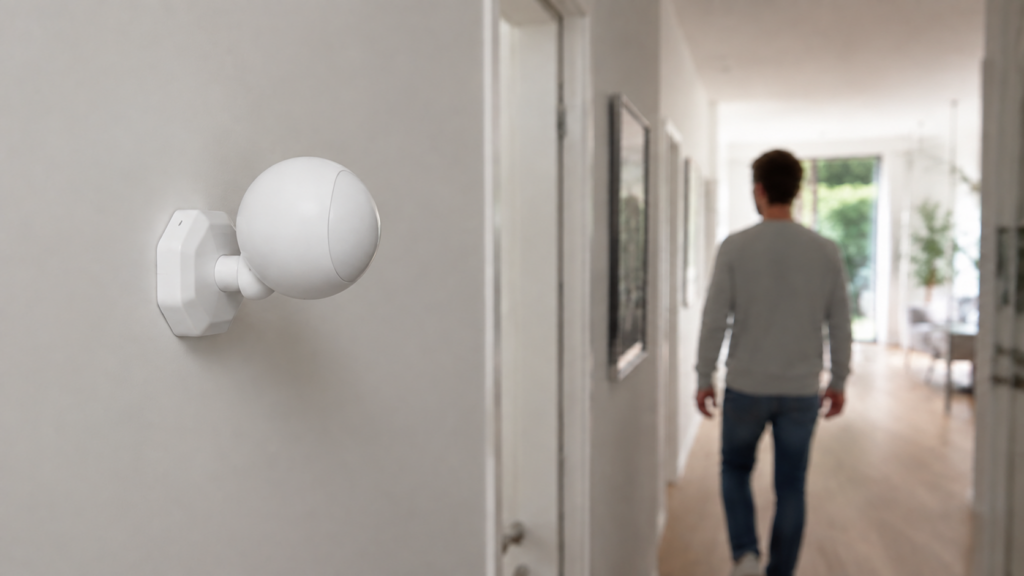
TS0202 is a model identifier used by several Tuya-based Zigbee motion sensors. It does not identify one fixed board, shell or set of controls. The useful starting point is the device definition your unit matches, including its reported manufacturer string and the Zigbee2MQTT version.
Some variants expose sensitivity and keep-time settings; others report motion and battery information without those controls. This guide follows the definitions in zigbee-herdsman-converters 26.115.1, bundled with Zigbee2MQTT 2.14.2, and keeps older support reports in their version context. No sensor was paired or tested for this article.
What the TS0202 actually is
The base device page lists Mercator Ikuü SMA02P, Tuya TY-ZPR06 and Tesla Smart TS0202 as white-label entries. That identifies supported retail names; it does not prove that every unit sold under those names has identical components or firmware.
There are separate definitions such as TS0202_1 and TS0202_3, and other devices reporting TS0202 match definitions named IH012-RT01 or IH012-RT02. Fingerprints can include the model and manufacturer, while a generic model match covers other units. The suffix is a Zigbee2MQTT definition name, not necessarily something printed on the case.
The TS0041 button guide covers a similar need to distinguish variants. Save the model, manufacturer string, firmware/application version where available, and the matched definition from your own frontend. Do not infer support from the retail brand alone.
Pairing into Zigbee2MQTT
- Confirm this is the Zigbee product, fit the specified battery and remove any insulation tab. A similarly named Wi-Fi motion sensor needs a different setup.
- Enable joining in your running Zigbee2MQTT instance, then use the exact unit’s pairing gesture. Button placement and hold time vary. For the documented IH012-RT01, its page describes a side pinhole button held for about ten seconds; do not apply that timing to every TS0202 shell.
- Watch the interview and configuration logs, then inspect the model, manufacturer and definition. An interview obtains descriptors; the converter’s configuration step sets up supported binding/reporting. These are related but different operations.
- Assign a friendly name, trigger motion and confirm a fresh occupancy report on its state topic. Then wait for the appropriate clear/retrigger behavior before testing again.
- Close joining after the required devices are added, and test at the final mounting location.
This Unix-shell example watches a sensor named hall_motion. Replace the broker address, base topic and name, and supply your broker’s authentication/TLS options where required:
# Subscribe before triggering the sensor
mosquitto_sub -h 192.168.10.20 -t 'zigbee2mqtt/hall_motion' -v
A sensor’s detection interval and clear mechanism can delay another event. There is no verified one-second response guarantee for every variant. The MQTT topics guide explains state messages and their surrounding topics.
If joining fails, distinguish no radio traffic, incomplete interview, failed configuration and an unsupported definition. Check batteries, joining status, distance/interference and the exact log. A supported converter normally handles its required configuration, but a failed binding/reporting operation is something to inspect, not a reason to assume the interview configured everything successfully.
What you actually get: the exposes table
The base page lists these reported properties. They do not support normal /get or /set access in that definition. Its released code omits tamper for certain manufacturer strings, so the installed device’s exposes take precedence over a generic table.
| Property | Meaning | Base-definition access and limits |
|---|---|---|
occupancy |
Motion detected / cleared | Report-only; true means detected |
battery |
Battery estimate in percent | Report-only; the page allows up to 24 hours for an initial report |
battery_low |
Low-battery indication | Report-only; not a guarantee of remaining life |
voltage |
Reported battery voltage in mV | Report-only; may be coarse or stale |
tamper |
Reported tamper indication | Report-only where included; exact mechanism depends on the unit |
linkquality |
Received-frame link quality | Normally added to state; not a measurement of sensor transmit power or whole-route reliability |
Report-only properties do not make every aspect of the device unconfigurable: converter options and writable device attributes are different things. TS0202_1, for example, has an occupancy_timeout option, defaulting to 90 seconds, which clears occupancy in software. It is not the same as writing a hardware keep-time attribute.
Our TS0041 and TS0043 guides discuss other Tuya devices, but their setting and reporting behavior should not be transferred to this sensor.
Sensitivity and keep-time: it depends on your variant
The current IH012-RT01 definition matches _TZ3000_mcxw5ehu, _TZ3000_6ygjfyll, _TZ3040_6ygjfyll and _TZ3000_msl6wxk9. IH012-RT02 matches _TZ3000_o4mkahkc. Both expose these settings in the release checked here:
| Setting | Supported values | Check before using it |
|---|---|---|
sensitivity |
low, medium, high |
Definition supports reading and writing; confirm your exact firmware accepts the request |
keep_time |
30, 60 or 120 seconds | These are the only values in the checked definitions |
For a matched supported unit, publish {"sensitivity":"medium","keep_time":60} to zigbee2mqtt/hall_motion/set. You can request the supported settings on /get with {"sensitivity":"","keep_time":""}. Check logs and a returned/read state instead of assuming a published command proves the hardware accepted it. The IH012-RT01 page notes that requests may wait until the sleeping sensor becomes active.
Issue #19839 does not describe absent exposes: on 1.33.2, its _TZ3000_6ygjfyll owner already had them and reported write timeouts. It is historical evidence that a defined control and a successful hardware write are different checks, not proof that every current unit lacks support.
If the normal expose is absent, sending its name does not add a converter. Check the exact definition, installed version and existing support report before considering an external converter. If the expose is present but a request times out, wake the unit as documented and capture the actual failure. A seller’s sensitivity claim is not enough to guarantee your desired Zigbee2MQTT control.
The manufacturer-code variant problem
The released Tuya definitions show the distinction directly: _TZ3000_lf56vpxj and _TZ3040_bb6xaihh occur under the base entry’s white labels, while the codes above match richer fingerprints. TS0202_3 adds illuminance; TS0202_2 adds a scene-switch action and dark/bright indication. A shared model string does not establish identical functionality.
Support request #19105 and #9757 are older accounts for _TZ3000_lf56vpxj and _TZ3000_mcxw5ehu. Their code snippets are not the current definitions. In particular, an old external converter’s five-value keep-time list should not replace the current three-value list.
An unsupported message can indicate a missing or mismatched definition, but it does not prove the hardware is healthy or the interview complete. The no-converter diagnosis covers those checks; the external-converter guide covers a version-sensitive extension route. Definitions and exposed features can change with software or firmware updates, so they are not fixed forever at the first interview.
Suxsem’s experimental firmware project is a separate path for supported Telink-based hardware. Its own instructions require a corresponding converter and specify reporting limitations. Do not flash it merely because a case says TS0202; verify the board, chip and supported image first. This article does not provide a universal custom-firmware procedure.
Placement still does most of the work
Test the detection area at the intended position before fixing the sensor permanently. The SMA02P manufacturer’s data sheet notes that direct sunlight and nearby heat sources can affect detection. That supports checking those conditions; its field-of-view and battery figures should not be applied to every other TS0202 shell.
For unwanted triggers, record when they happen, inspect what is in the detection area and try one change in position or angle. Compare repeated motion/clear events with the actual room. Placement, detection intervals, firmware behavior and sensitivity can all matter. Repositioning is a practical test, not a guarantee that it explains every false trigger or the only adjustment available to every variant.
Frequently asked questions
Why is sensitivity missing? Check the matched definition and version first. The base definition lacks it; supported IH012 variants expose it. A present setting that times out needs a different diagnosis from an absent one.
Is TS0201 the same sensor? No. Zigbee2MQTT’s TS0201 entry describes a temperature/humidity device. Treat these strings as identification evidence, not a universal specification of every seller’s hardware.
Which battery does TS0202 use? Follow the exact retail model’s manual and cell label. The listed SMA02P uses two AAA cells; that is not a specification for every TS0202 variant. Its percentage/report age does not identify the cell type.
Does it need Smart Life or a Tuya account? An independently supported Zigbee2MQTT coordinator can pair it without those services. ZHA support also depends on the exact device signature and quirks; do not infer all variants’ support from one model name.
Why is the manufacturer string different from the box? It is reported through Zigbee rather than read from packaging. Use it with the model, descriptors and definition; some interviews do not return every expected field.
What’s verified, what stays local, what to check yourself
Property access, fingerprint matching, the three-value keep-time settings and software timeout distinction were checked against device pages and released converter code. Historical issues describe individual installations, not guaranteed current defects. The placement advice is a source-based diagnostic suggestion, with no physical sensor test here.
The independent Zigbee/coordinator/MQTT control route does not require Tuya’s app account. A hosted broker, remote notification or other Home Assistant service can still involve external systems. Check your actual definition and a fresh event, then verify the supported setting or physical placement on your own unit.